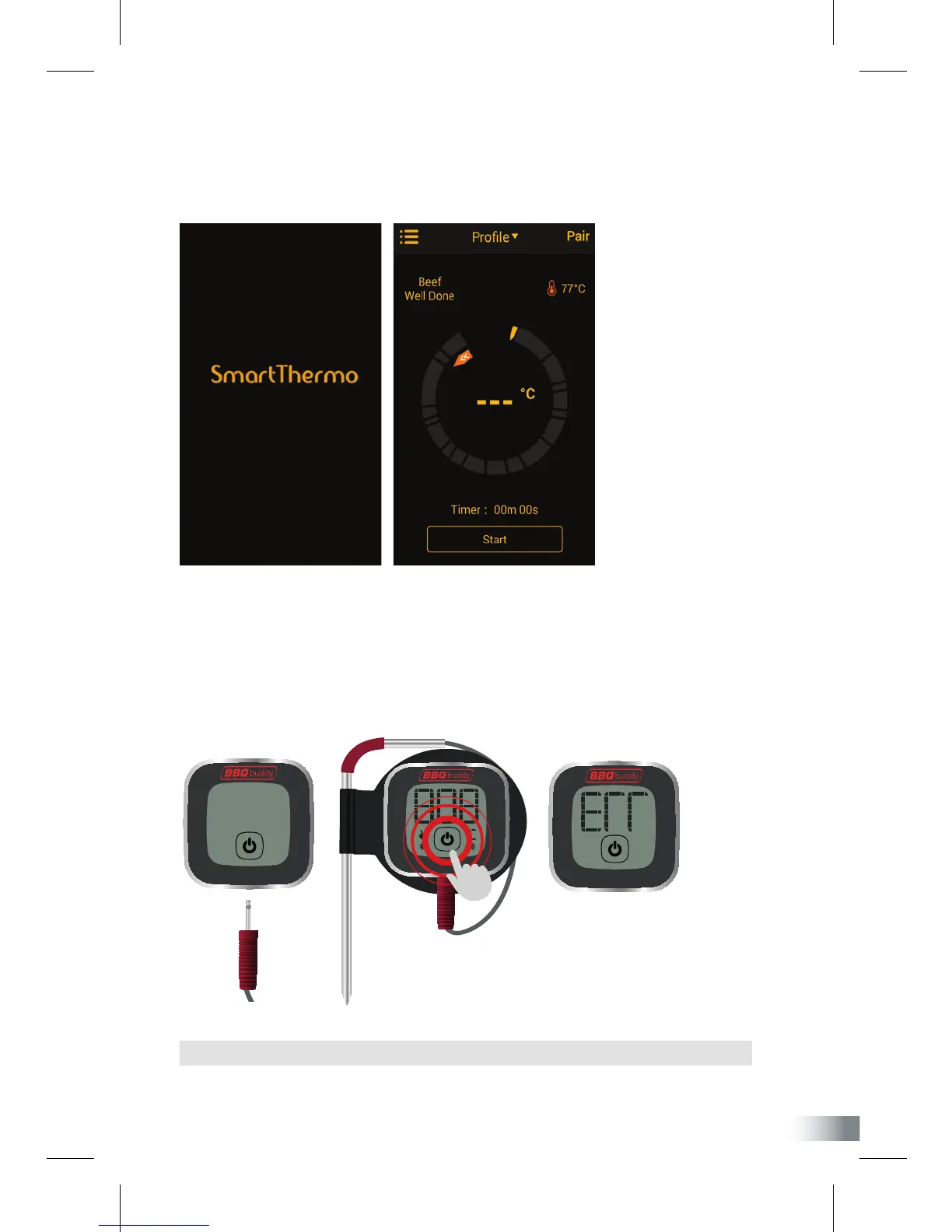
PAIRING YOUR DEVICE
1. Download and install free app ‘SmartThermo’ to your smart phone.
Once installed, open app on your phone.
2. Remove your BBQ Buddy smart thermometer from packaging. Connect the meat
prong into the bottom of your thermometer and press the power on button, located
on the bottom of the display screen.
NOTE: The thermometer will automatically turn off if prong has not been connected.


 To Next Page