16 |
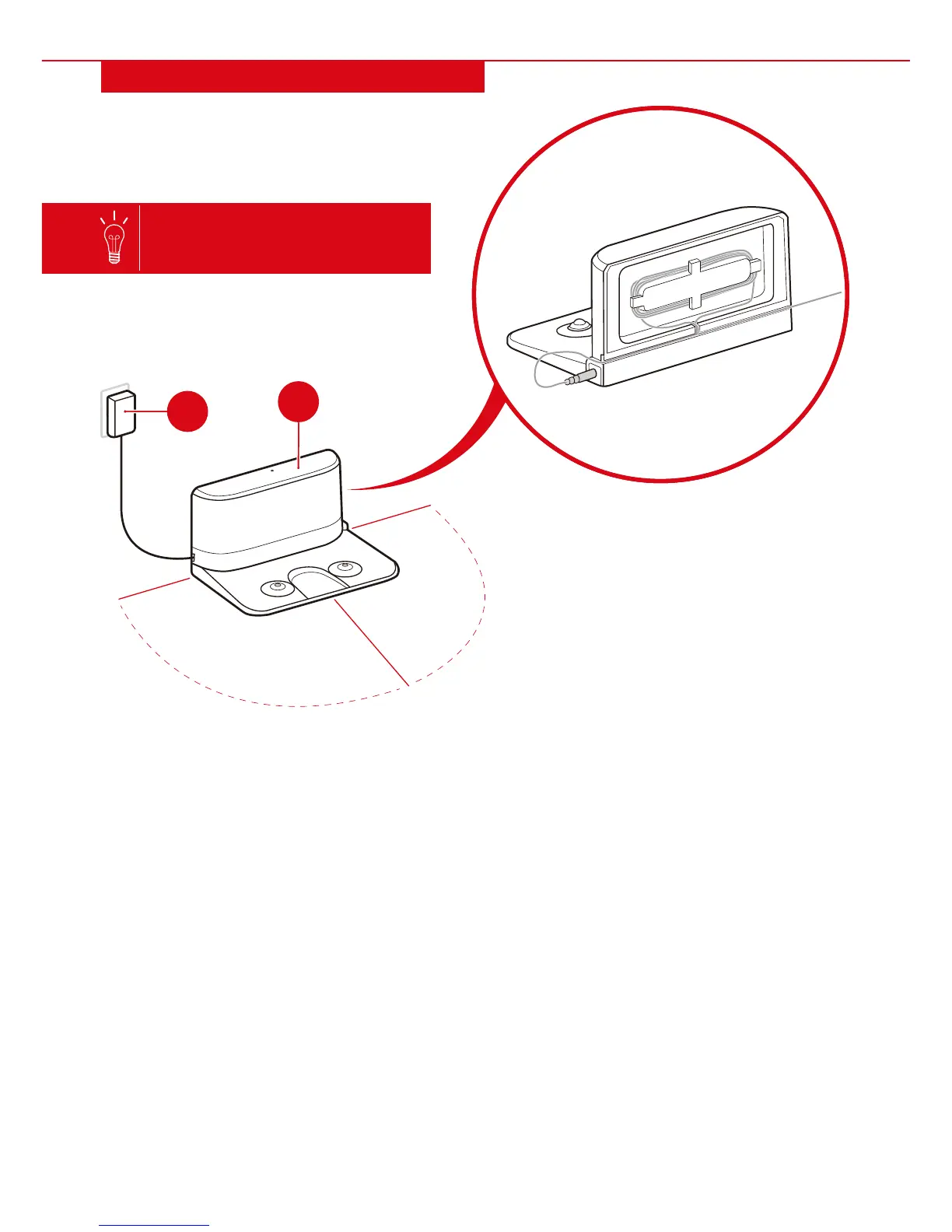
6.5'
3.2'
3.2'
1. Place the part H charging dock on flat ground. It is recommended that the charging dock is placed in
the center of a room against a wall and near an outlet.
2. Insert the part I power adaptor and plug the charging dock into a wall outlet. Organize the cord on the
back of the dock so it does not lay on the ground.
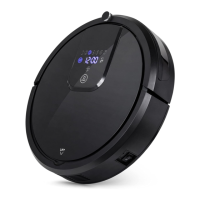
3. Place robot vacuum on the charging dock. Flip power switch on the side of the vacuum to ON position
to initiate charging.
NOTE: When unit is searching for the charging dock, press start/stop button to stop unit. Then, use
directional buttons to move unit to dock.
If unit is given commands while searching for dock, it will follow commands for a short amount of time
and then continue to dock. If unit runs out of batteries before returning, it must be physically moved to
dock or charged with power adaptor.
• Make sure that there are no obstacles or
uneven surfaces 6.5 feet in front or 3.2
feet from the sides of the dock.
• Make sure the infrared signal emission
window is clean and unobstructed or the
unit may be unable to find the dock.
• Do not place charging dock near a ledge,
stairs, or other infrared devices
(television, etc.).
I
If room is too large, the unit may not
automatically return to charging
dock when batteries are low.
SETTING UP CHARGING DOCK
H


 To Next Page