•
LED Indicator
LED Color Description
Green
Off: No Power supply.
Light: Indicates the switch has power.
Off: No device is connected to the corresponding port.
Light: Indicates the link through that port is successfully
established at 10/100/1000Mbps.
Blink: Indicates that the Switch is actively sending or
receiving data over that port.
Green
Off: Indicates the link through established at 10Mbps.
Light: Indicates the link through established at 1000Mbps.
Blink: Indicates the link through established at 100Mbps.
Off: No PoE powered device (PD) connected.
Light: There is a PoE PD connected to be port, which
supply power successfully.
Blink: Indicates port abnormal power supply.
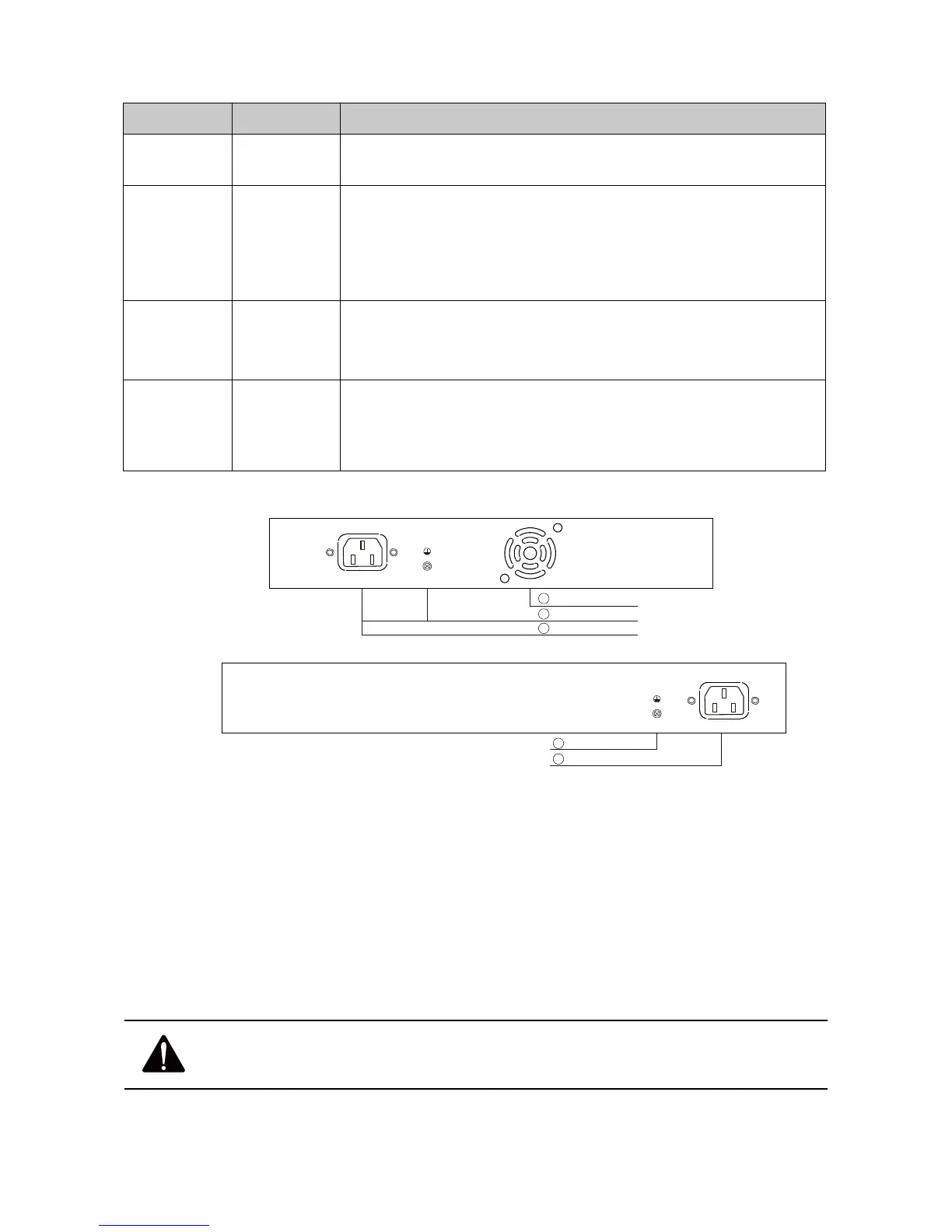
S1218-16P-330/S1226-24P-330
•
Power socket
Connect the female connector of the power cord here, and the male connector to the
AC (Alternating Current) power outlet. Please make sure the voltage of the power supply
meets the requirement of the input voltage.
•
Grounding Terminal
The switch already comes with lightning protection mechanism. You can also ground
the switch through the PE (Protecting Earth) cable of AC cord or with Ground Cable.
Caution: Please use the original power cord, ensure electrical socket
and device properly grounded.



 To Next Page