BDCOM S2510-C Hardware Installation Manual
- 12 -
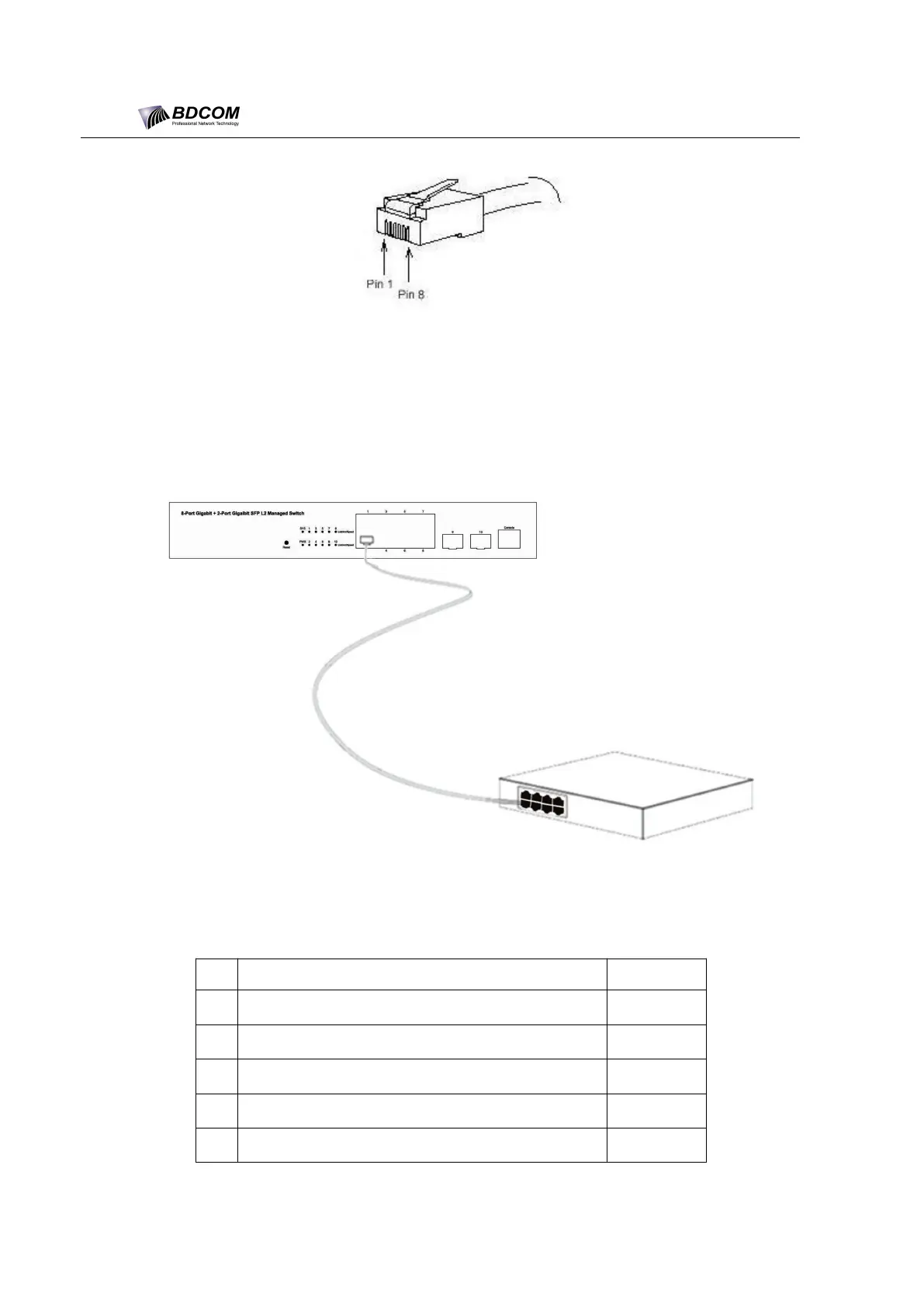
Figure 3-6 RJ-45 connector of the console port
Because 8 10/100 Base-T ports of BDCOM S2510-C support the MDI/MDIX
auto-identification of the cable, BDCOM S2510-C can adopt five classes of
direct-through/cross network cables when it connects other Ethernet terminals.
Figure 3-7 Connecting the 1000 Base-TX port and other Ethernet terminals
Table 3-3 Definition of the pins of the gigabit RJ45 port
Sending/receiving the normal phase of data 0
Sending/receiving the paraphase of the data 0
Sending/receiving the normal phase of data 1
Sending/receiving the normal phase of data 2
Sending/receiving the paraphase of the data 2



 To Next Page