221
SLEEP MODE
The sleep mode is particularly suitable for nighttime use, as it gradually reduces the
operation of the device.
To set this mode properly, follow these steps:
• Select the cooling mode according to the previous instructions.
• Press the " " button.
• The device is set to the previously selected operating mode.
• When sleep mode is enabled, the screen brightness is reduced and the fan speed is
lower.
The sleep mode ensures that the room maintains an optimal temperature without causing
sharp fluctuations in temperature or humidity, while operating quietly. The fan speed always
remains low while the room temperature and humidity change gradually to ensure maximum
comfort.
In cooling mode, the preset temperature is increased by 1℃ (1℉) per hour within 2 hours.
This new temperature is maintained for the next 6 hours before the device switches off.
Sleep mode can be deactivated at any time during operation by pressing the "Sleep", "Mode"
or "Fan speed" keys. Note that sleep mode is also available in dehumidification mode.
SELF-DIAGNOSIS:
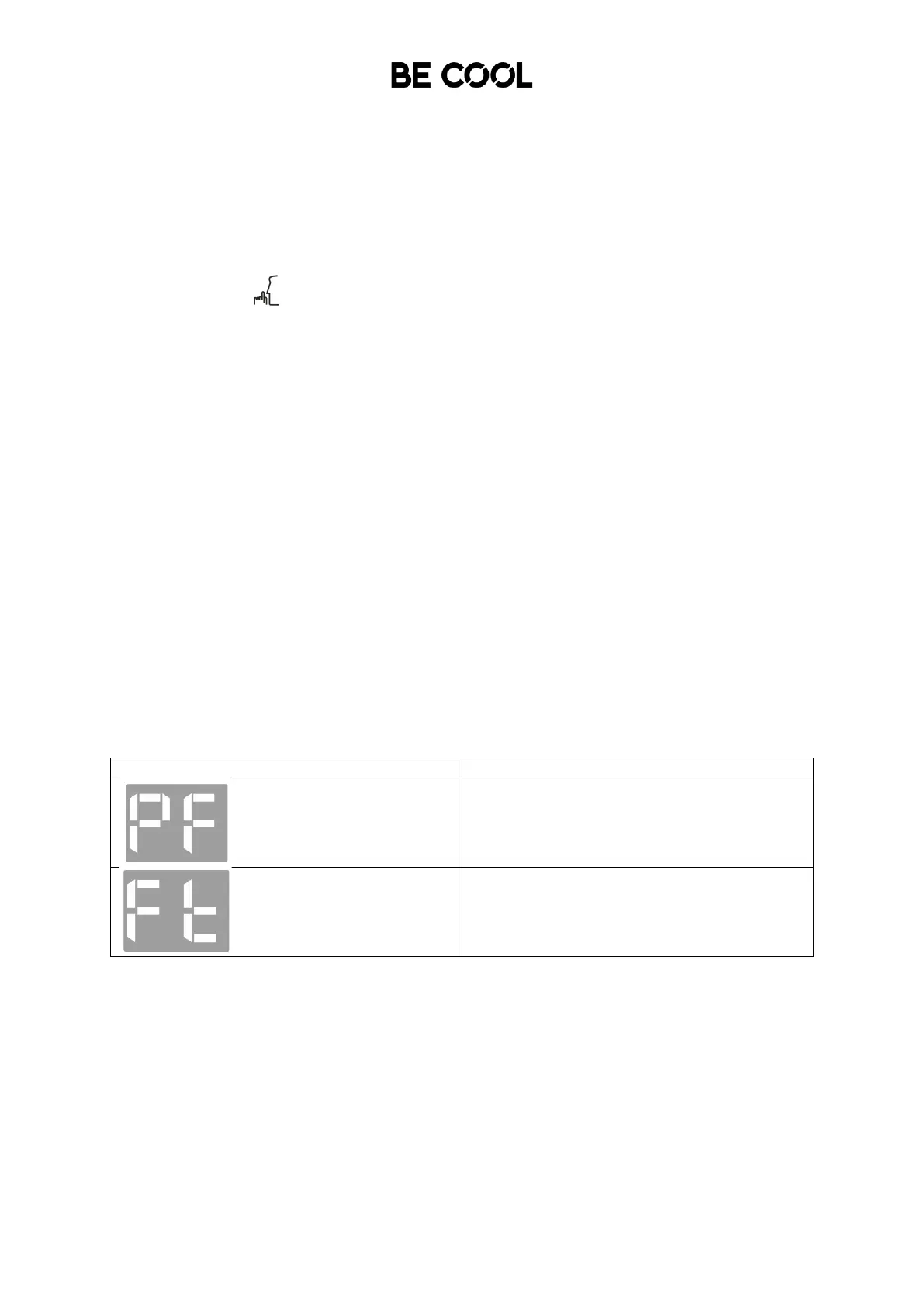
This device is equipped with a self-diagnosis function that can detect various malfunctions.
When malfunctions occur, corresponding warnings are shown on the display of the device.
If this is displayed, contact your local
authorized service center or our customer
service department.
Empty the internal condensation water tank,
according to the instructions in the
"End of the season"
Paragraph.














 To Next Page