S. 23
5) Timer key
In the case of power on, press the key for OFF time; in the case of power off, press
thekey for ON time.
Press the key, when the time symbol flashes, press Up and Down key to select
the required timing value.
Timing values can be set within 1-24 hours and the timing value is adjusted
upwardsor downwards by one-hour increments.
7) °C/°F
Press the key to switch between Celsius and Fahrenheit.
8) SLEEP mode
Press this key to choose the SLEEP mode.
OPERATING INSTRUCTIONS
COOL mode
Press MODE until the COOL indicator lights on the panel.
Press UP/DOWN to set the appropriate temperature within a range between 16°C
and30°C.
Press SPEED to select the appropriate fan speed, either LOW or HIGH.
FAN mode
Press MODE until the FAN indicator lights on the panel.
Press SPEED to select appropriate speed. LOW and HIGH speeds can be circularly
selected (high > low > high).
Temperature is not adjustable when this mode is selected.
DRY mode
Press MODE until the DRY indicator
lights on the panel.
Temperature and speed are not adjust-
able when this mode is selected.
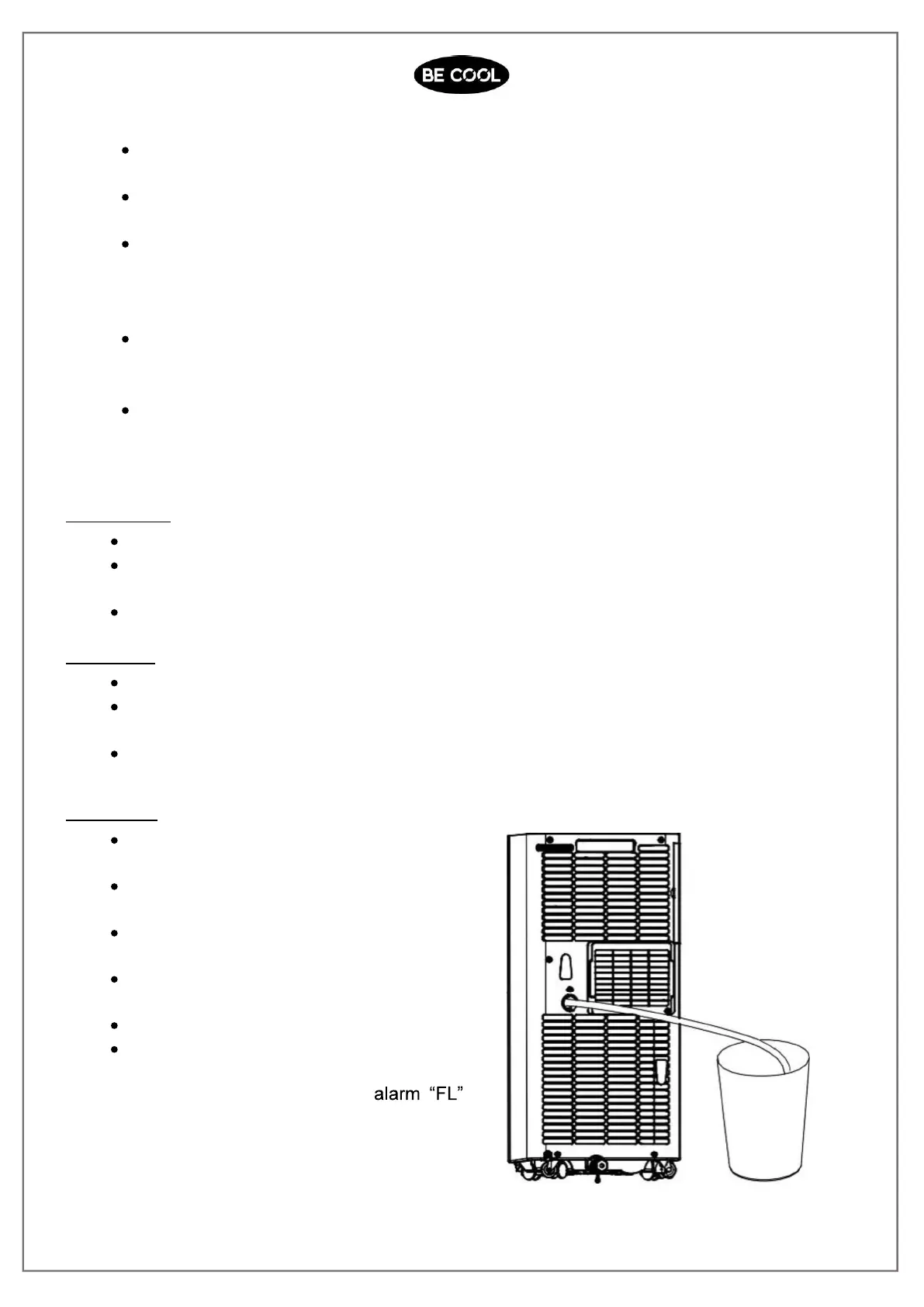
Unscrew the drainage cover, and open
the water plug.
Set the drainage pipe into the water
outlet.
Connect the drainage pipe to a bucket.
Note: In Dry mode, please dismantle the
exhaust pipe, or the performance will be
affected, and the water full
will buzz.














 To Next Page