S. 26
STORAGE
Unscrew the drainage cover, open the water plug and discharge the water from the
water compartment into a water container or slightly tilt the unit backwards to dis-
charge the water into a container.
Keep the appliance running on FAN mode for half a day in a warm room to dry the
appliance inside and prevent mold formation.
Turn off the machine, unplug the power plug and wrap the power cord around the
hooks; replace the water plug and the drainage cover.
Remove the exhaust pipe and store it properly.
Remove batteries of the remote control.
Cover the air conditioner with a plastic bag. Store in a dry place, keep it out of the
reach of children and take dust control measures.
TROUBLESHOOTING
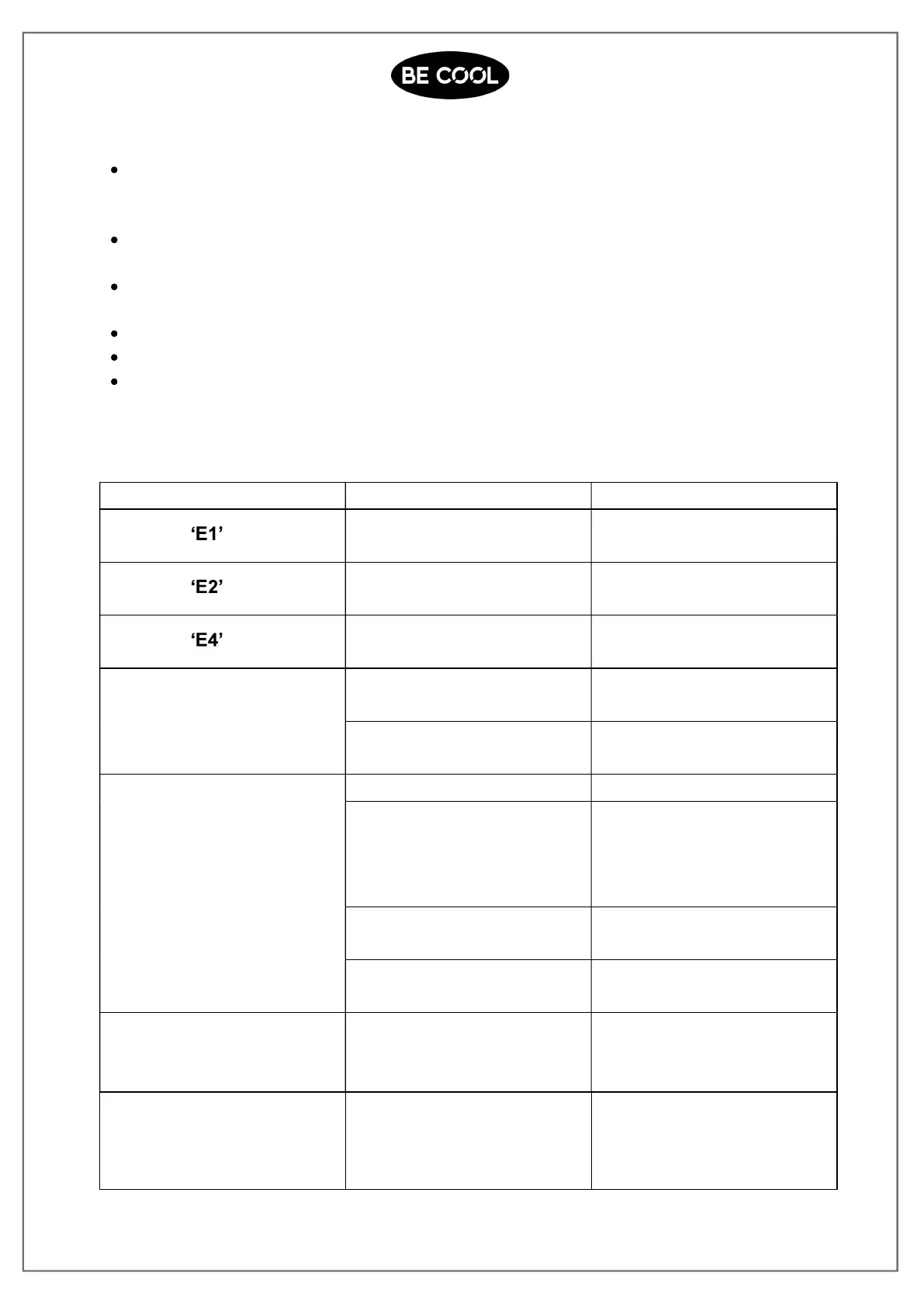
Problem Reasons Solutions
Displays
Pipe temperature sensor
failure
Check the pipe temperature
sensor and related circuitry.
Displays
Room temperature sensor
failure
Check the room temperature
sensor and related circuitry.
Displays
Anti-freezing protection The ambient temperature
must exceed 8°C.
The air conditioner does
notwork
There is no electricity Turn it on after connecting it
to a socket with electricity.
The overflow indicator dis-
plays FL
Discharge the water inside.
The cooling effect is not
good
There is direct sunlight Pull the curtains
Doors or windows are
open; there are
sources of heat
Close doors and
windows, and add new air
conditioner
The filter screen is dirty Clean or replace the filter
screen
The air inlet or outlet is
blocked
Clear obstructions
The device is very noisy
The air conditioning is
notplaced on a flat
surface
Put the air conditioning on a
flat and hard floor (to
reducenoise)
The compressor does
notwork
Overheat protection starts
Wait for 3 minutes until
the temperature is
lowered, and
then restart the machine














 To Next Page