S. 28
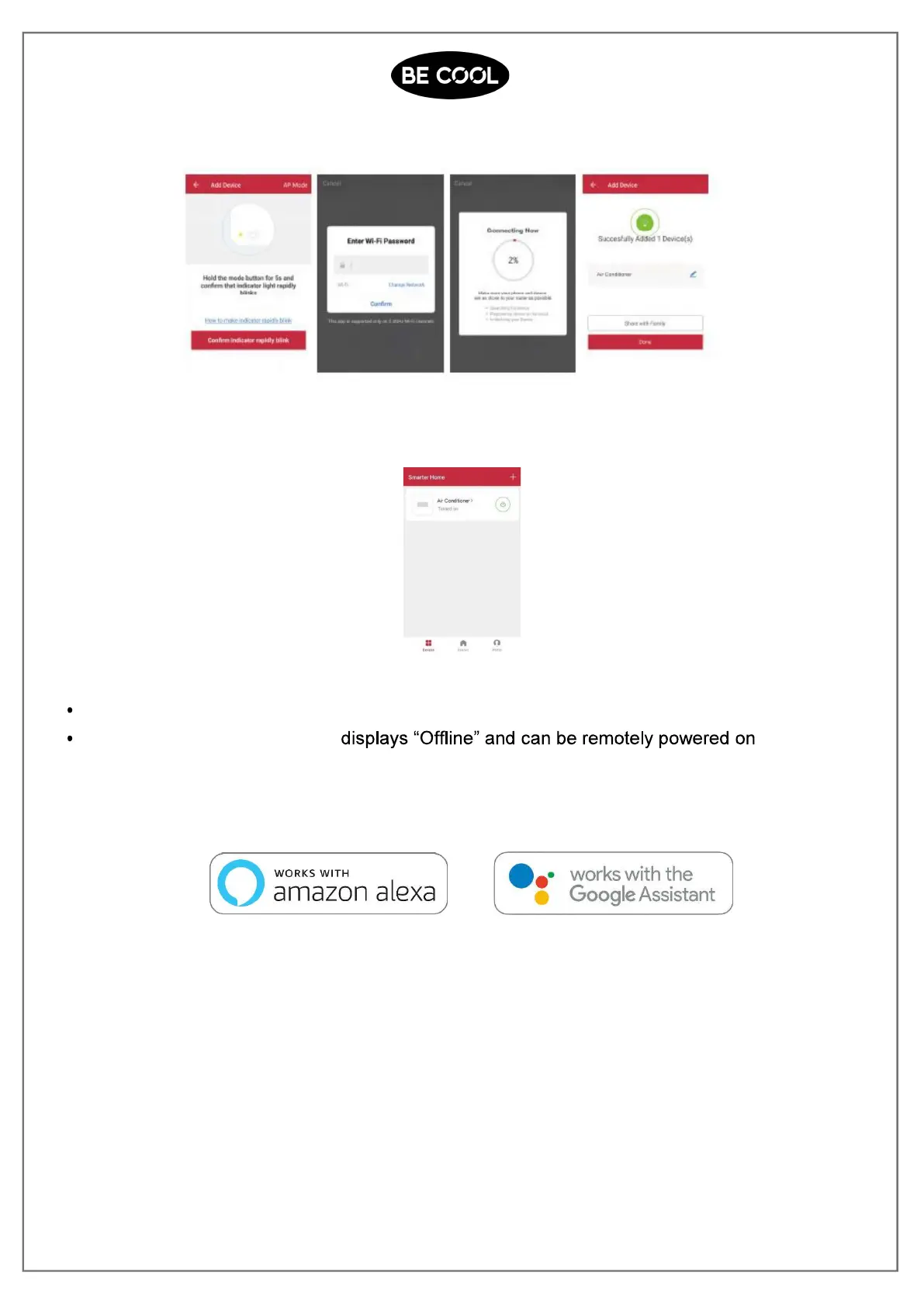
The device will connect to the app.
5. After successfully configuring the devices, the smart AC will be shown on the home
screen. Tap to enter its control page.
Note:
When device is online, it can be controlled.
When device is offline, it
.
The device is also working with Amazon Alexa and Google Assistant














 To Next Page