7. Hot water function
This function is for dispensing hot water at 22 to 70°
The water is dispensed at the quantity and temperature indicated on the control panel
6
. You can modify these values
in the same way as for bottle preparation
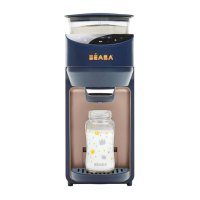
- Place a recipient on the bottle stand
4
-Press the hot water dispenser button to obtain hot water
Press any button to stop dispensing manually.
8. Auto-clean function
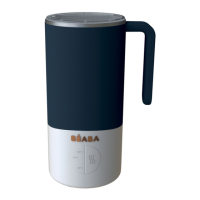
The auto-clean function produces hot water to clean the Mixing compartment
5
- Place a recipient able to contain at least 220 ml on the bottle stand
4
- Remove the powder reservoir
- Press the auto-clean button
- Check that there is enough water in the reservoir before starting the cleaning cycle.
- Replace powder reservoir
9. Cleaning
Cleaning :
1. If there is water on the surface of the product, wipe with a dry cloth. Be sure to lock the control panel with the lock
button
6
2. Do not place the product in a humid environment
3. When the product is not used for an extended period, we recommend that you unplug it
4. Verify and clean the mixing compartment regularly
5
15


 To Next Page