1m
7
6 APP
2.4GHz
A B
OR
EN
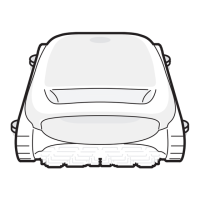
Ensure your phone is connected to Wi-Fi, supporting only the 2.4GHz network;
6.1 Instructions for Using the APP
Please check the following items before connecting:
Make sure the robot is turned on;
Confirm that both your mobile phone and the robot are within the same Wi-Fi coverage range
with a strong signal;
Bring the phone close to the robot (the distance between your phone and the robot should
be within 1m).
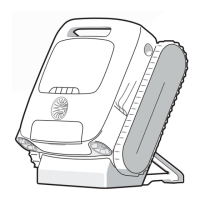
Connect the robot:
A. Scan to add (recommended): Tap the "Scan to Add" on the home page of the APP, aim
the camera at the QR code on the robot, and follow the APP instructions to complete the
connection.
B. Add manually: Tap the "Add Device" on the home page of the APP, choose your robot
model, and follow the APP instructions to complete the connection.
Robot Connection
You can choose either of the following methods to complete the connection.
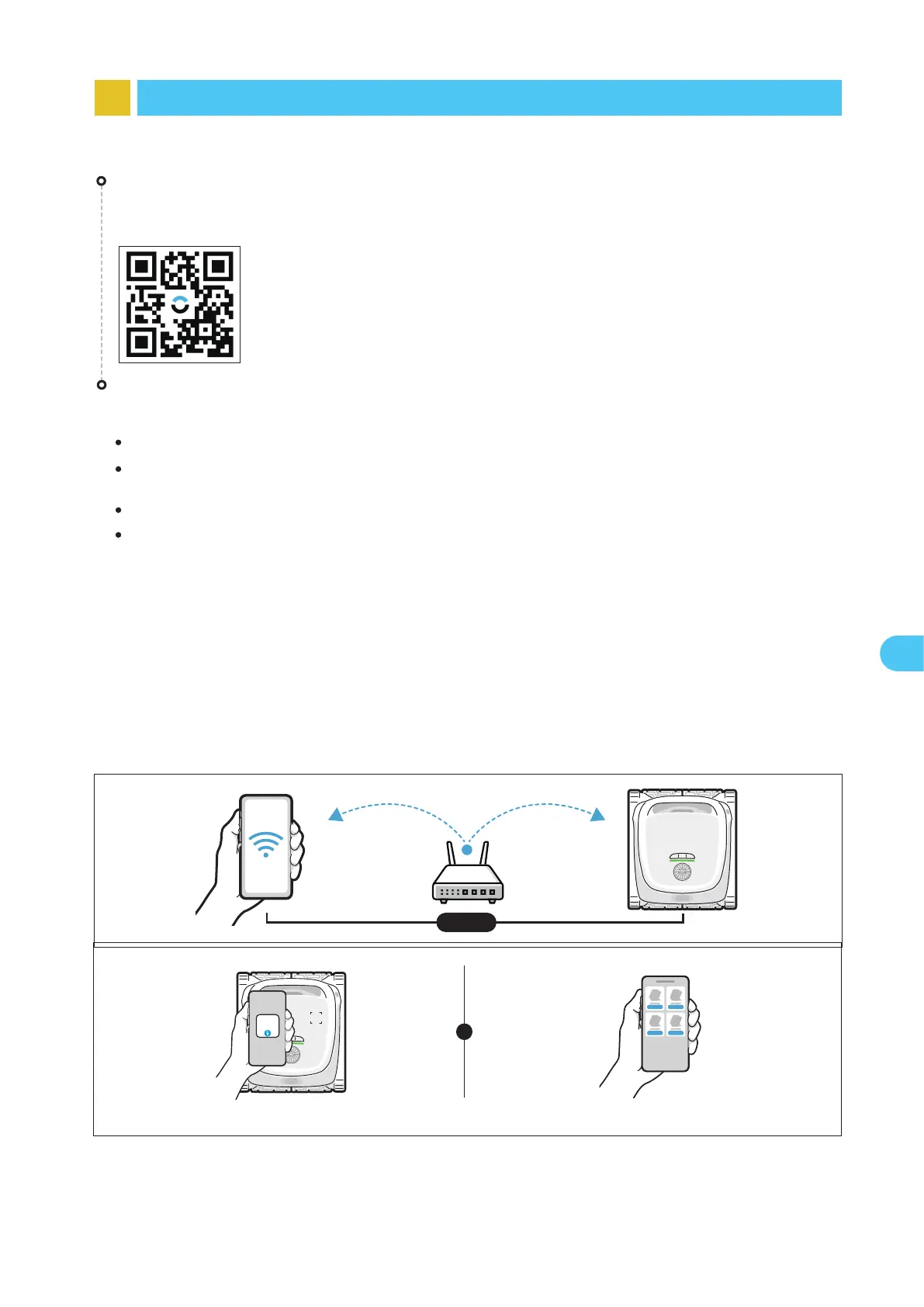
You can either scan the QR code below or search for "Beatbot" in the App Store or
Google Play to download the APP.
APP Download


 To Next Page