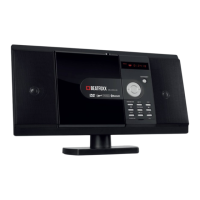
MCD-60
Player Functions:
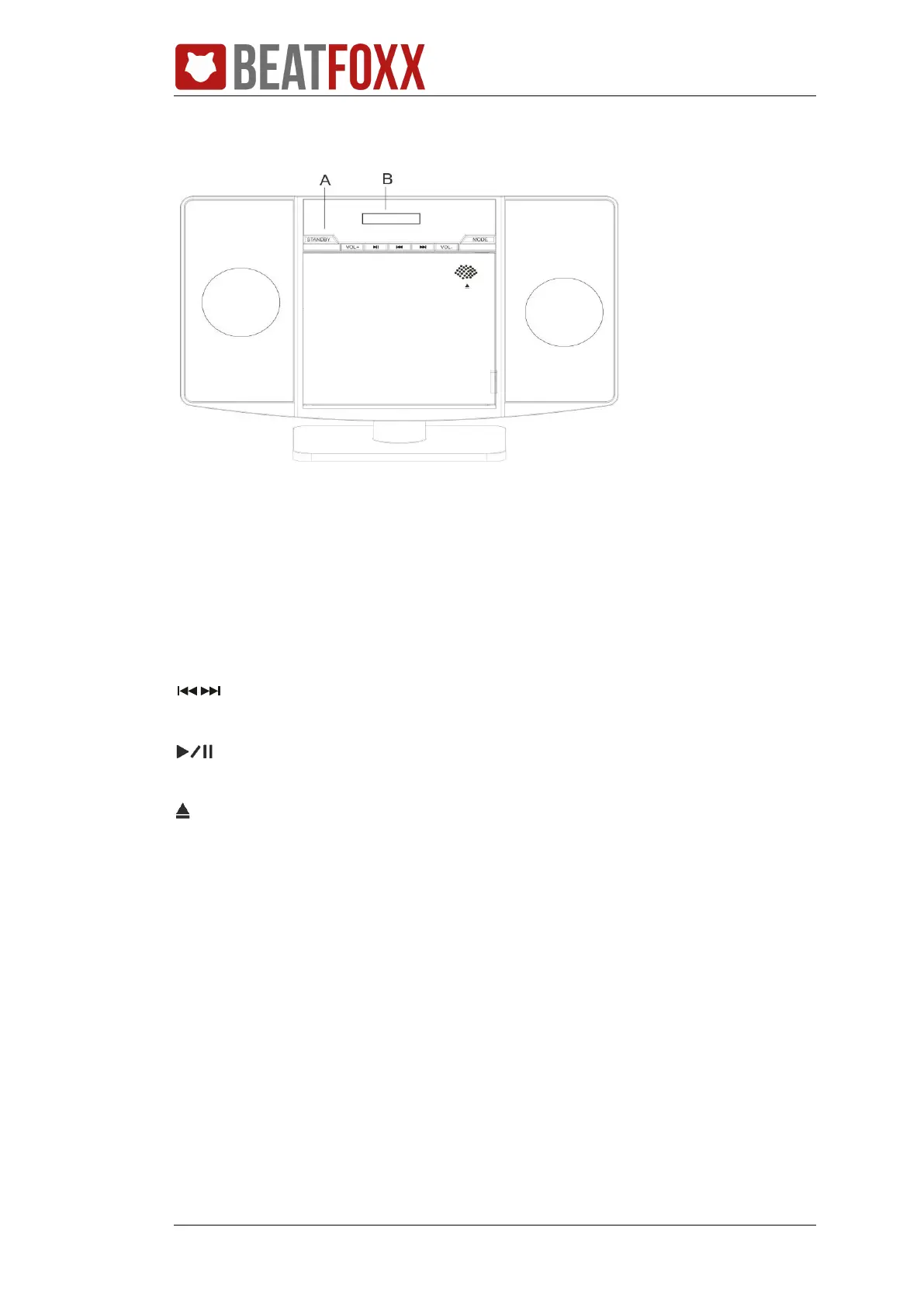
Front View
A.
STANDBY: press it to enter the standby mode.
VOL-/VOL+: press it to adjust the volume.
MODE: in working mode, press to select a different mode, such as CD, USB, FM radio,
Bluetooth and AUX mode.
: In media play mode, press shortly to skip to the next/previous track. In FM mode,
shortly press to enter manual search and hold press to half-auto search.
: in media play mode, press to the play/pause the play. In FM mode, press to enter
auto search.
: press to open the disc tray.
B.
LCD display and remote sensor.


 To Next Page