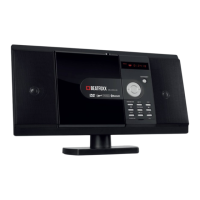
MCD-60
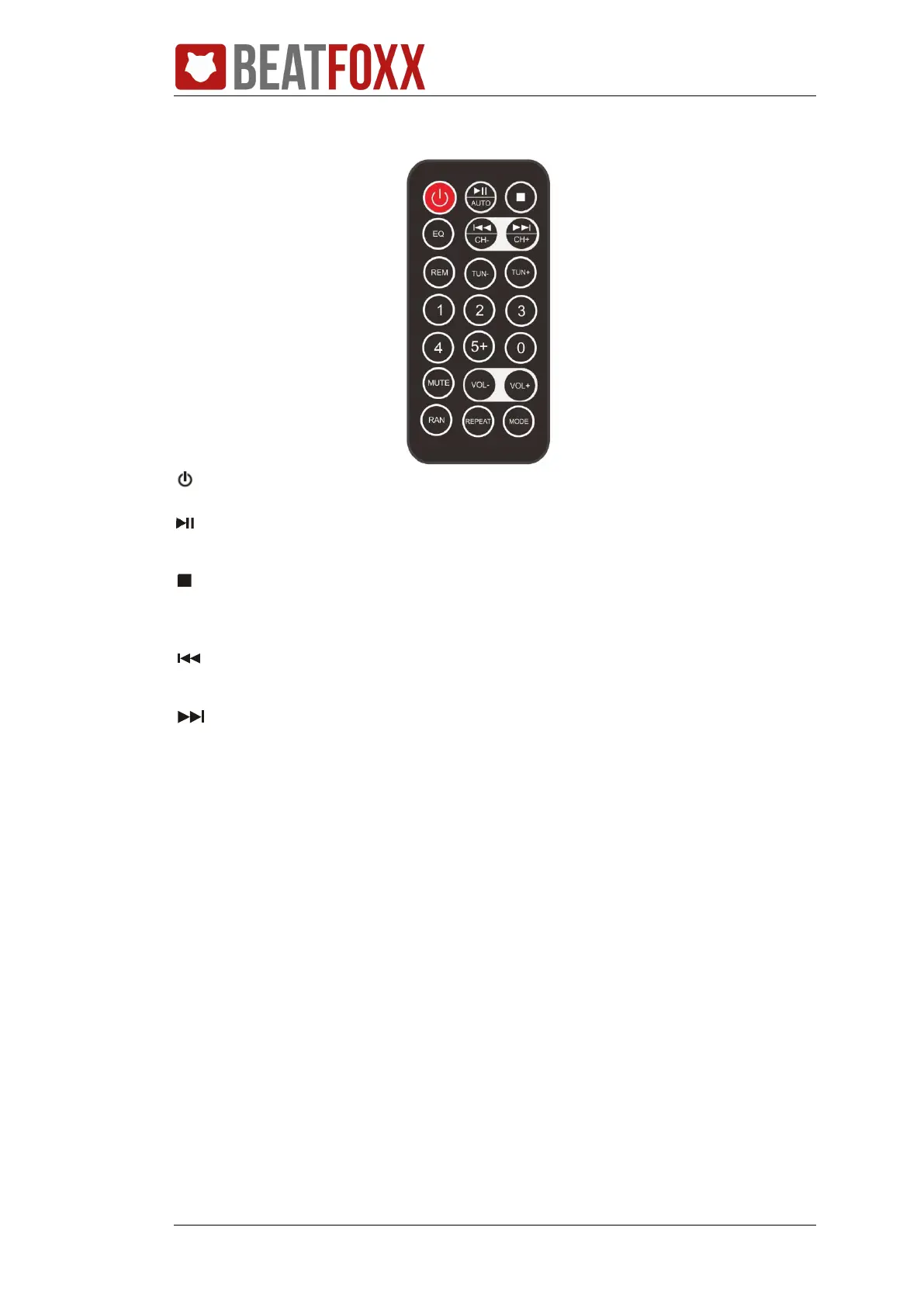
Remote Control:
: press to turn the unit on or off.
/AUTO: press to play/pause the playback. In tuner mode, press to start auto
search.
: in media play mode, press to stop play.
REM: in FM radio mode, press to store the station into memory.
CH-: in media play mode, press shortly to skip to the next track. in FM radio
mode, press to select channel down.
CH+: in media play mode, press shortly to skip to the previous track. in FM
radio mode, press to select channel up.
EQ: press it to turn on the equalization function and to select the desired audio
mode.
TUN-: in FM radio mode, press to select channel down. Press it shortly to select
frequency change downwards in radio mode. Press and hold it to search for the
frequency automatically.
TUN+: Press it shortly to select frequency change upwards in radio mode. Press
and hold it to search for the frequency automatically.
Numeric buttons: press to input numbers to select the track or channel.
MUTE: press to mute or resume the sound.
VOL+/VOL-: press to adjust the volume level.
RAN: in CD mode, press to a shuffle mode.
REPEAT: in media play mode, press to select repeat one, repeat folder, repeat all.
MODE: press to select the different modes, such as CD, USB, FM radio, Bluetooth
and AUX mode.


 To Next Page