Play music
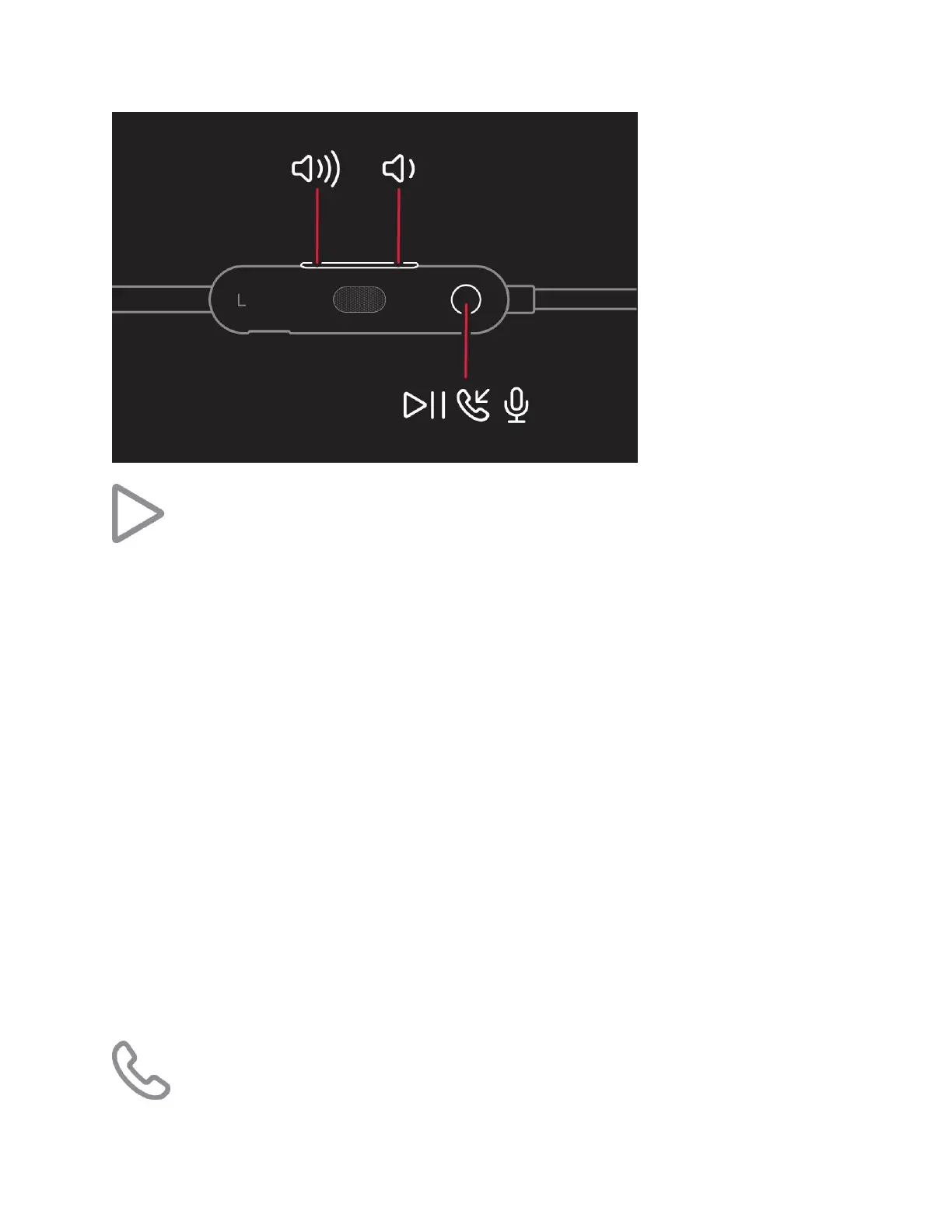
To control audio playback, use the center button on the left control module:
Press once to play or pause audio playback.
Press twice to skip to the next track. Press three times to skip backward.
Press twice and hold on the second press to scan forward through a track. Press three
times and hold on the third press to scan backward through a track.
You can also pause audio by clipping your earphones together, and resume it by unclipping
them.
Change the volume
To control playback volume, use the volume buttons on the left control module. To control call
volume, use the volume controls on your phone.
Press and release the volume up button, or press and hold to increase volume
continuously.
Press and release the volume down button, or press and hold to decrease volume
continuously.



 To Next Page