Answer calls
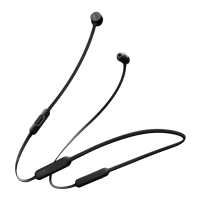
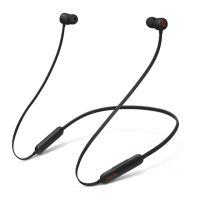
To control phone calls, use the center button on the left control module:
Press once to answer or end a call.
Press once to answer a second incoming call and put the first call on hold. When two
calls are active, this switches between calls.
Press and hold for about a second to reject an incoming call.
Press twice to stop listening through your earphones and send the call to your phone.
Ask Siri
To activate Siri, press and hold the center button on the left control module until you hear a
chime. Then say what you need. Learn what to do if Siri isn't working.
Siri features might vary by country or region.
To activate the voice assistance feature for other devices, you can press and hold the center
button on the left control module.
Reset your Beats Flex
1. Press and hold both the power button and the volume down button for 15 seconds.
2. When the LED indicator light flashes, release the buttons. Your earphones are now reset
and ready to be set up with your devices again.


 To Previous Page