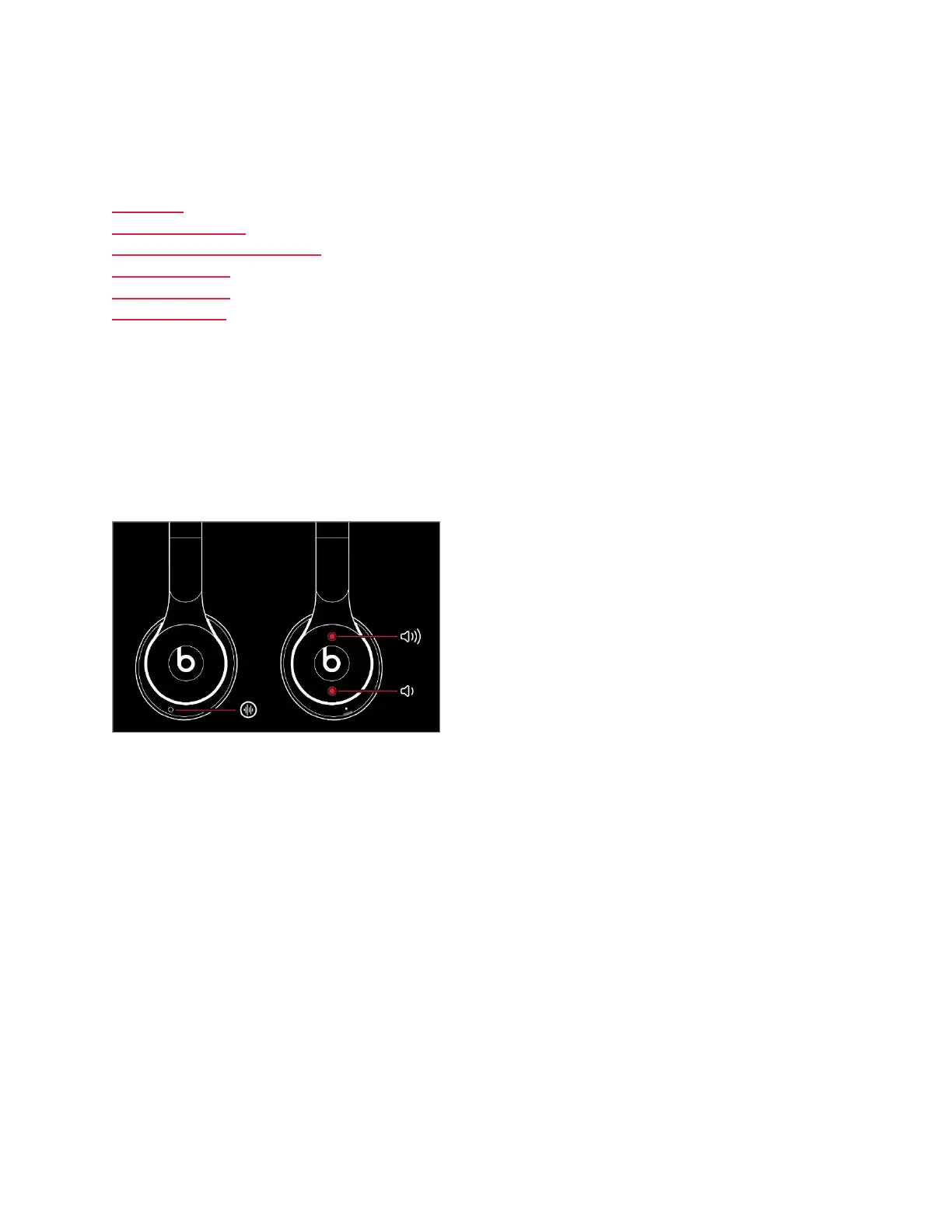
If you're having sound, Bluetooth, or charging issues with your headphones, try
resetting them.
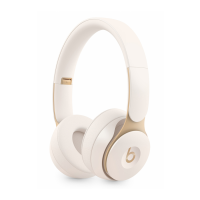
Solo Pro
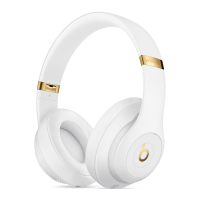
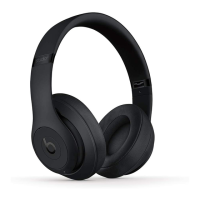
Studio
3
Wireless
Studio or Studio Wireless
Solo
3
Wireless
Solo
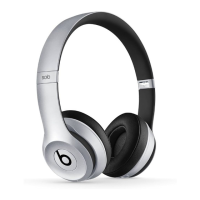
2
Wireless
Solo Wireless
Reset Solo Pro
1. Hold down the mode button and volume down button for 10 seconds.
2. When the LED flashes red, release the buttons.
Your headphones are now reset and ready to be set up with your devices again.
Reset Studio
3
Wireless
3. Hold down the power button and volume down button for 10 seconds.
4. When the Fuel Gauge flashes, release the buttons.
Your headphones are now reset and ready to be set up with your devices again.




 To Next Page