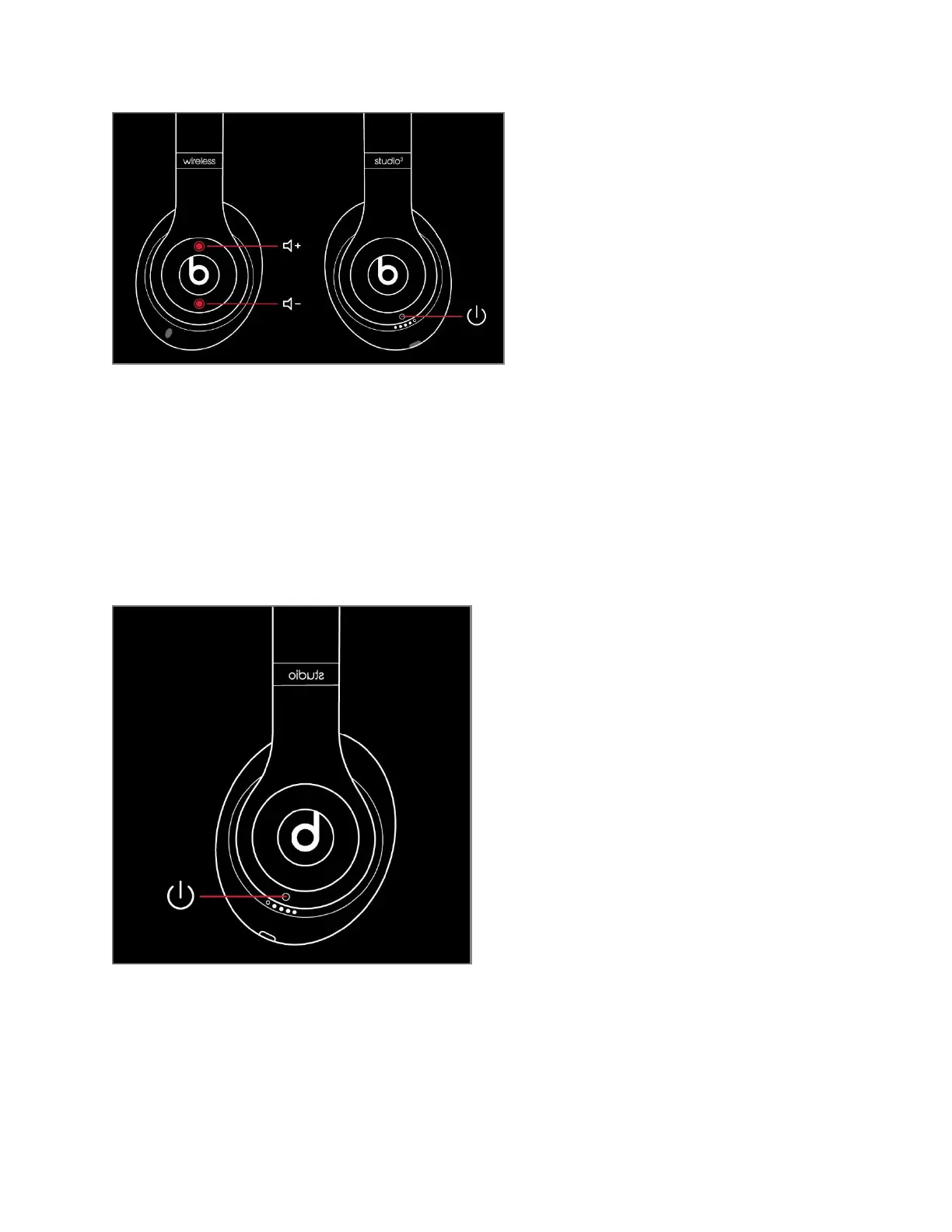
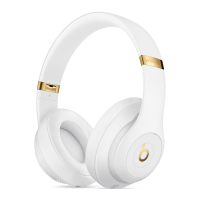
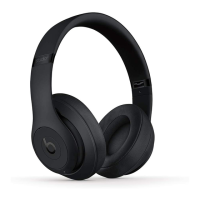
Reset Studio or Studio Wireless
5. Press and hold the power button for 10 seconds.
6. Release the power button.
7. All of the Fuel Gauge LEDs blink white, then one LED blinks red. This sequence happens three
times. When the lights stop flashing, your headphones are reset.
Your Studios will automatically power on after a successful reset.
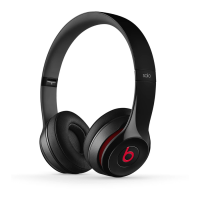
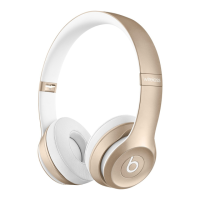
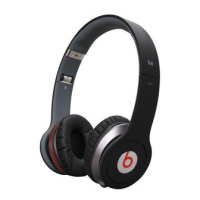
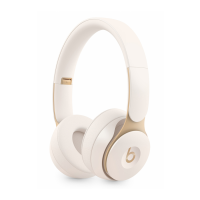
Reset Solo
3
Wireless
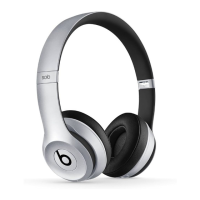
8. Hold down the volume down button and the power button for 10 seconds.
9. When the Fuel Gauge flashes, release the buttons.




 To Next Page