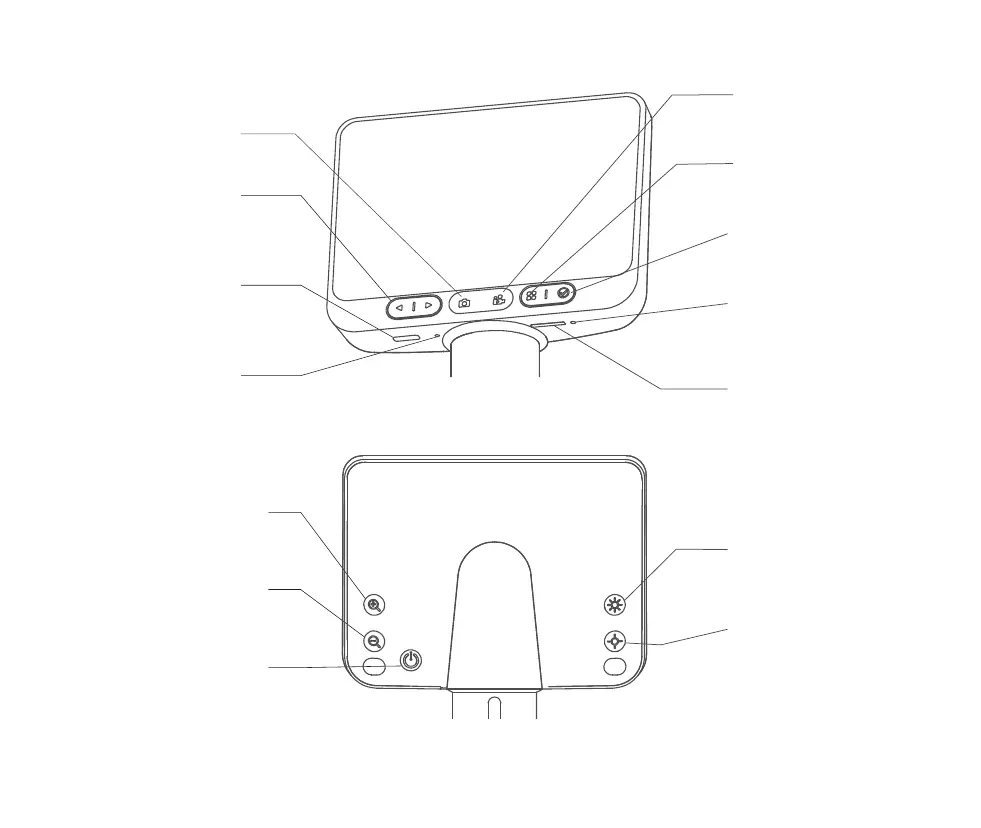
Type-C port for charging or
connecting to computer
Enter the photo interface
Control cursor movement
left and right
Open menu bar
Go to the video screen
Click to confirm
Memory card socket
Function Leys
Video Button
OK Button
Indicator light
Power/WiFi
Connection Indicator
TF Memory Card Socket
Photo Button
Left And Right
Movement Keys
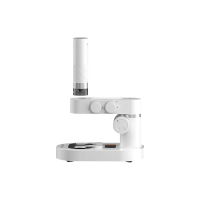
Microscope
Monomer Interface
Restore factory settings
Resetting Hole
( Front )
( Back )
Short press, digital zoom
Short press, brightness
dimmed a grade
Short press, brightness
brightening a grade
Brightness Dimming Key
Dim The Brightness Key
Magnifying Key
Short press, digital reduction
Shrink Key
Long press 3 seconds to turn on
Long press 3 seconds to turn off
Switching Keys
08


 To Next Page