Press and hold for 3 seconds
to turn on the phone.
Press and hold for 3 seconds
to turn off the phone.
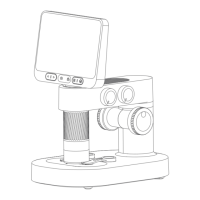
Microscope Monoblock
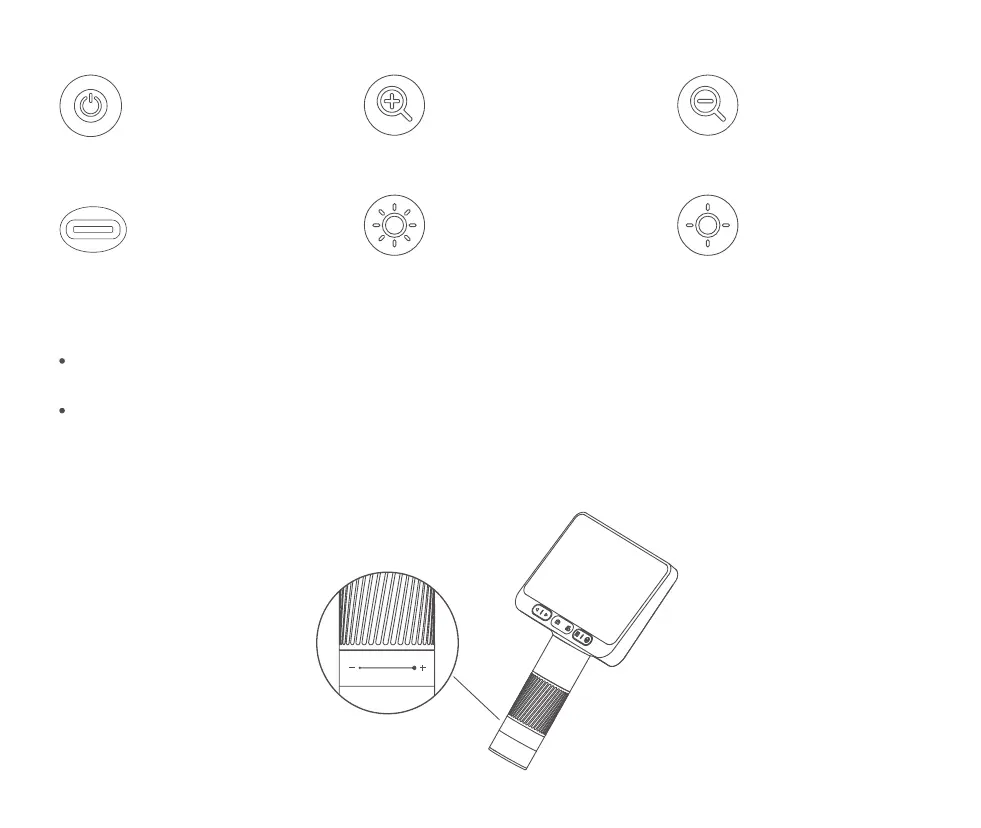
Power Button
Charging and connecting to
the computer side of the
software to use.
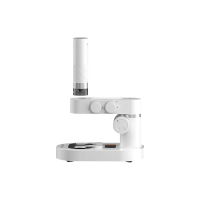
Microscope Monomer
Interface
Microscope On And Off
Microscope Magnification Adjustment
Press and hold the microscope rear power on button for 3 seconds, the lower small light of the button lights
up or the bottom illumination lights up, that means the microscope has been turned on.
Press and hold the on button at the back of the microscope for 3 seconds, and the small light at the bottom
of the button goes out or the bottom illumination goes out, which means the microscope has been turned off.
( Note: After using the microscope, please put the lens cap on. )
Short press to digitally enlarge.
Digital Zoom Button
Short press to
digitally reduce.
Digital Reduction Key
A short press, brightness
brightening a grade.
Brightness Dimming Key
Short press to dim the
brightness by one stop.
Brightness Dimmer Key
09


 To Next Page