Counterclockwise rotation: Magnification Clockwise rotation: Zoom out
Microscope Magnification Adjustment
Step-by-step Instructions For Use:
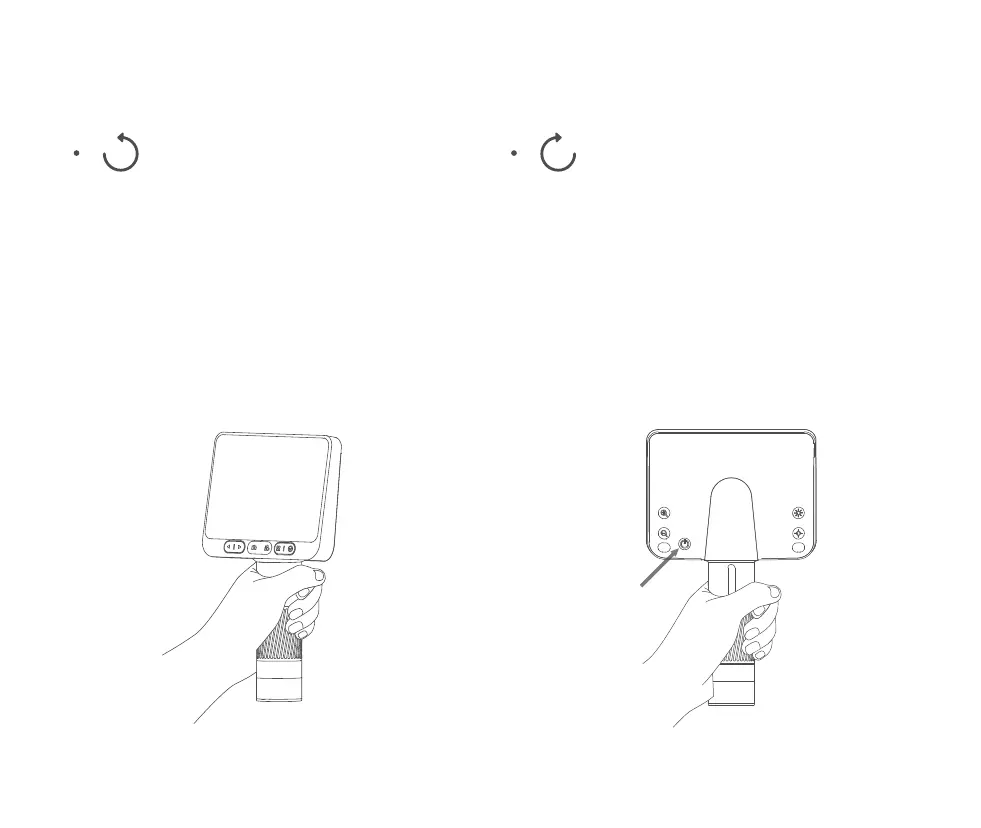
1. Hold the lower part of the microscope with one hand.
( Front ) ( Back )
2. Press and hold the rear power-on button until
the screen lights up.
10
(Note: At the same distance, there are two magnifications by rotating the focusing rotary drum. The lifting knob
and digital zoom in and zoom out keys can also be used to adjust the multiple. The focusing rotary drum, lifting
knob and digital zoom in function are used together.)


 To Next Page