APP User Guide:
APP download and installation:
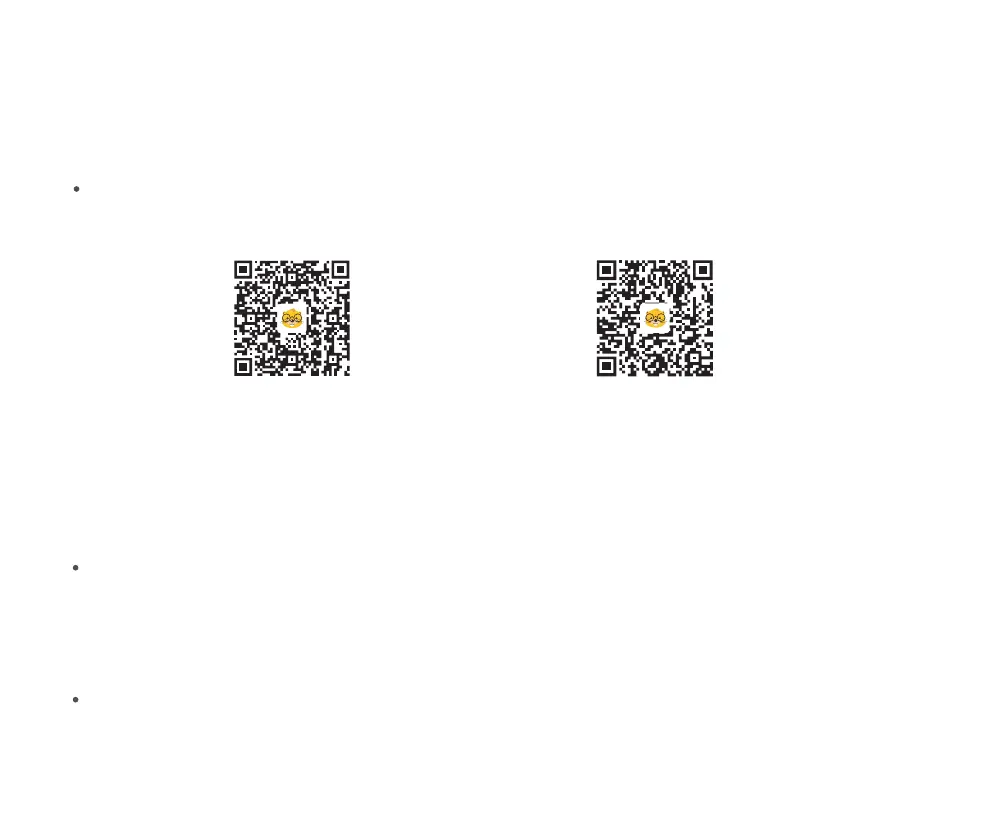
Scan the QR code below to download the APP (search "Beaver Point" in App store or Google Play to
download the APP)
Install the software according to the operating instructions;
Turn On The Device
Press and hold the microscope rear power on button for 3 seconds, the lower small light of the button lights
up or the bottom illumination lights up, that means the microscope has been turned on.
Scan here to download APP
Android
iOS
Connect microscope to Android/IOS device
19


 To Next Page