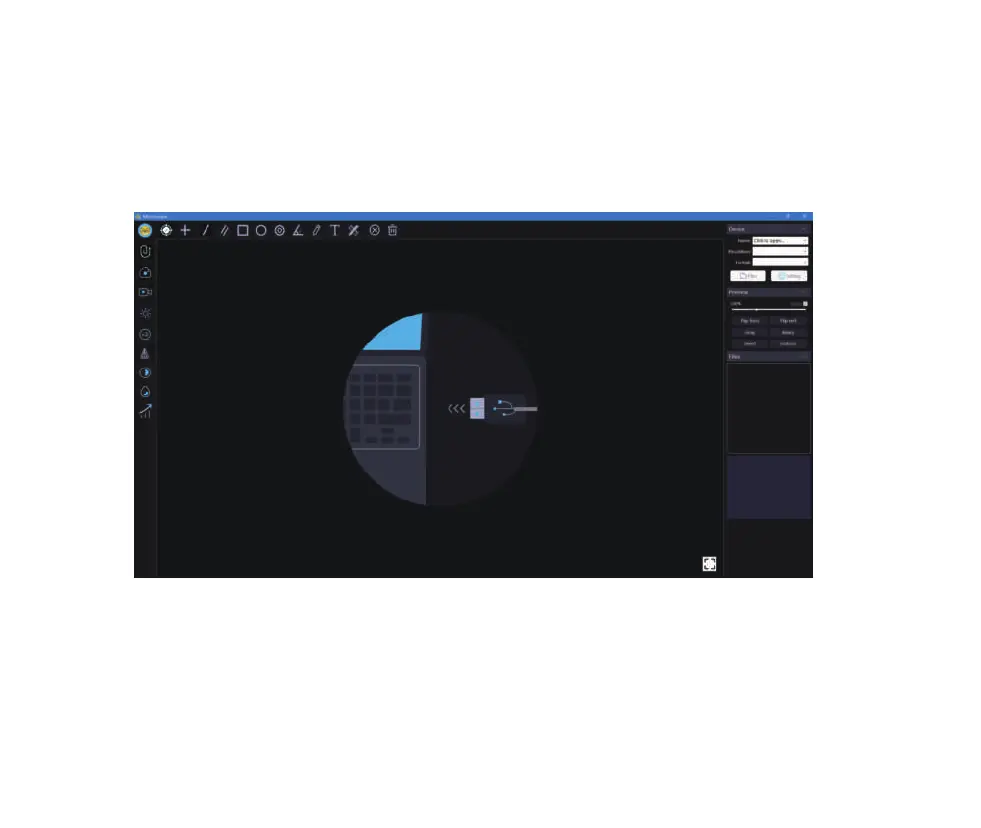
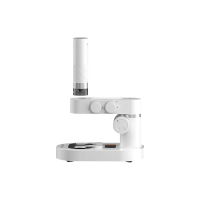
Use the usb cable that comes with the microscope to connect the microscope monoblock to the computer host;
Opening the software to select microscope equipment.
Follow the software operating instructions to use it.(Tips: Click on the name bar in the upper right corner to open
the connected device and select the resolution)
Computer users can download the Windows version of the
software to's official website (www.beaverlabtech.com or www.dangdang li.com)
22


 To Next Page