For Computer Use
Log on to www.beaverlabtech.com or www.dangdangli.com to download and install the software installation
package.Installing software according to operating instructions.
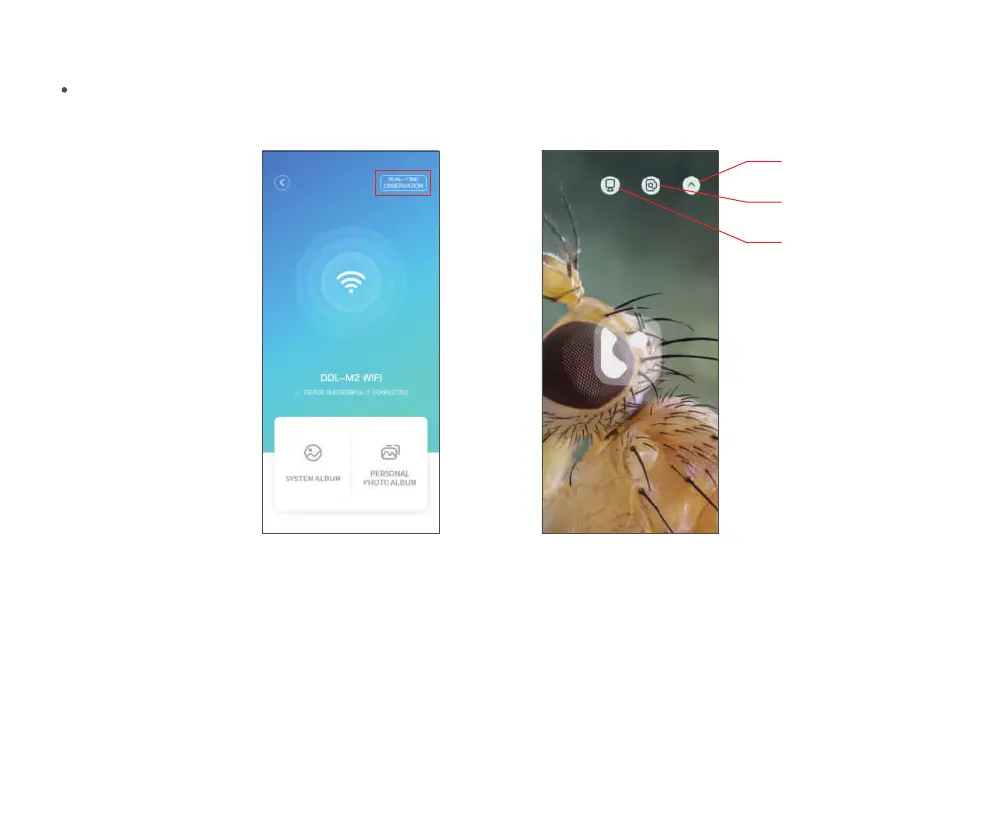
After clicking Live View, you can enter the real-time observation interface. (Note: After the APP is closed,
you need to manually disconnect the WIFI to continue the observation.)
Click to watch live Real-time observation
Click to take photo
Return
Click to record
21


 To Next Page