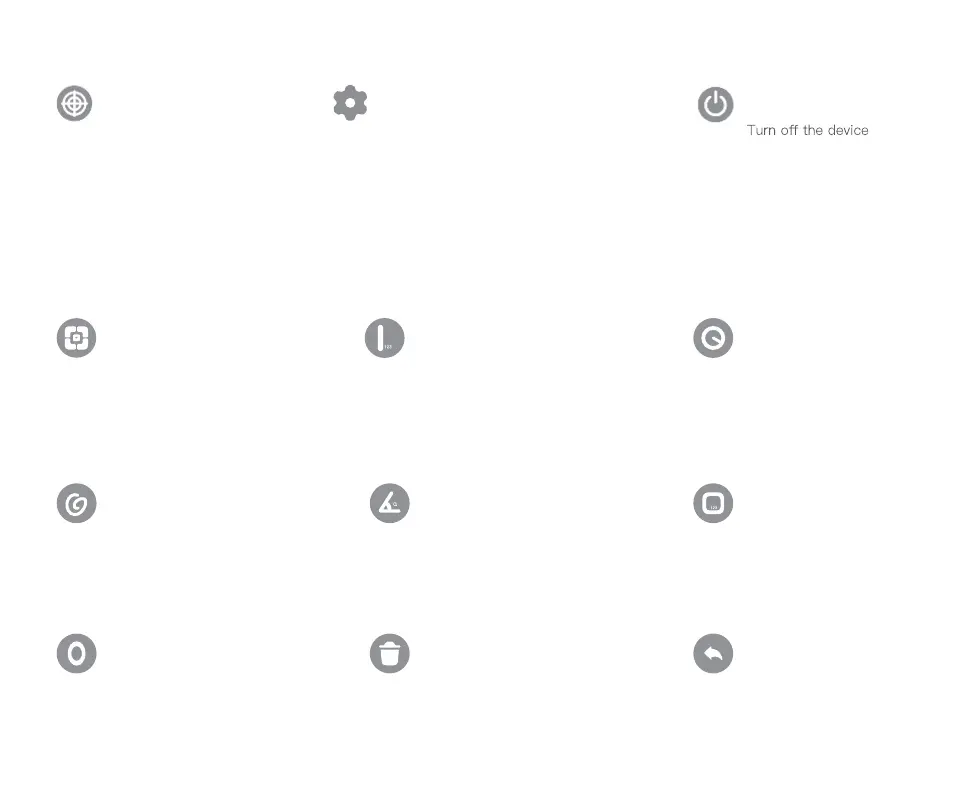
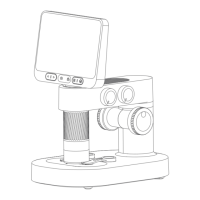
Measure the internal dimensions
of the calibration system
locate the center point of
the image
Tagging
Measure s (area) and d(diameter)
of the selected range
Measure the length of the
observation object
Measure the angle of the
observation object
Delete all dimensions on
the interface
Measure the S (area) of
the selected
range C (perimeter),D
(diameter)
Measure s (area) c
(perimeter) of the
selected range
Undo the previous action
Language: Chinese / English
Time :time/ date Sleep: never / 3 min / 5 min /
10 min / 15 min
Timed Shutdown: never / 5 min/ 10 min / 30
min / 1 hour
Memory Card Switching: in / out
Camera Switching: in / out
Color Selection: blue, green, red, yellow, purple
Dimensional calibration
Grid
Casual Painting
Ellipse
Straight Line
Angle
Delete
Circular
Rectangle with
rounded corners
Undo / Return
Set Up Shut Down
12


 To Next Page