16
7 Accessories And Tools
8 Troubleshooting Of Microscope
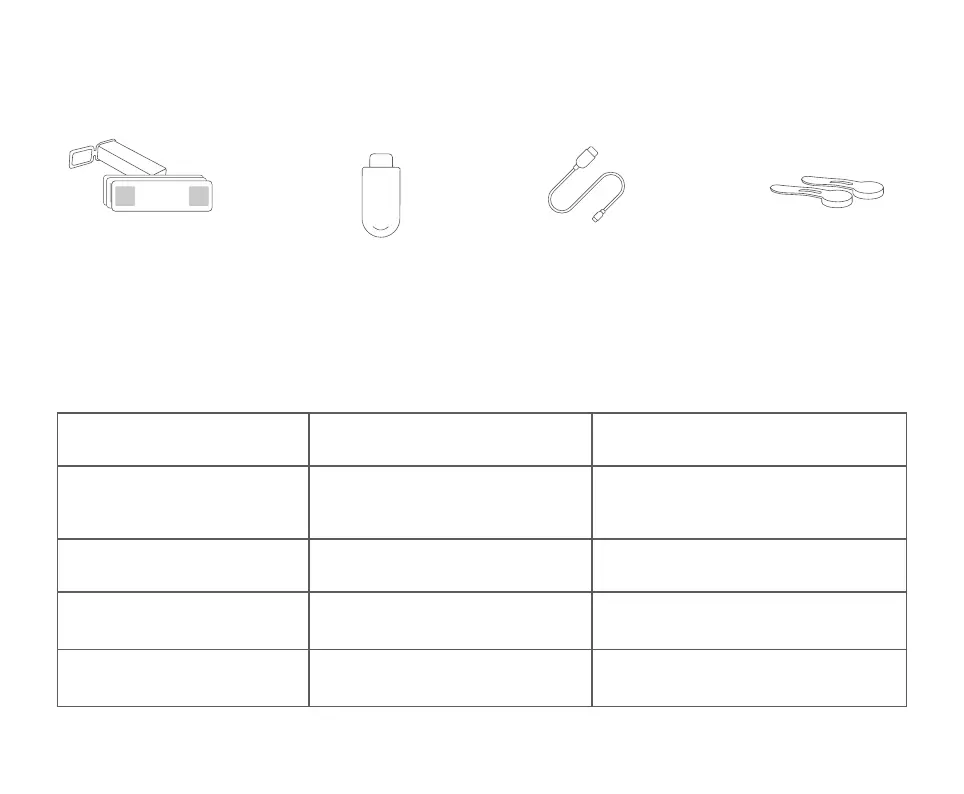
Prepared Slides x10
Data Line
Magnetic specimen holder x2
Adapter
Problem Phenomenon Reason Processing Method
Lifting is not smooth /
Unable to lift
During charging, the current is large
and the calorific value of the battery is
high, which is a normal
phenomenon
Normal state
Lifting is not smooth /
Unable to lift
Internal lifting gear damaged Send for repair
The light cannot be
adjusted
Dimmer circuit board damaged / Lamp
board damaged /
Connecting wire open circuit
Send for repair
The device cannot be
charged
① The charging interface is not firmly
plugged in ② No power connection
③ Equipment failure
①Unplug the interface ②Connect
the power ③For repair


 To Next Page