③ Open the mobile phone → File manager. At this time, you can see a USB storage device. After opening, you can
see all the pictures in the memory of MX microscope.
二、Computer Device Connection
Visit www.dangdangli.com Download and install the software installation package
Purpose:
Directly connect to the computer, use the computer software to observe and operate, and the screen is larger.
Operation Method:
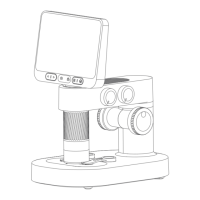
① Plug the data cable into the DC5V charging port of MX microscope, and connect one end to the USB interface
of computer.
② Open BeaverLAB computer software (only windows computers are supported).
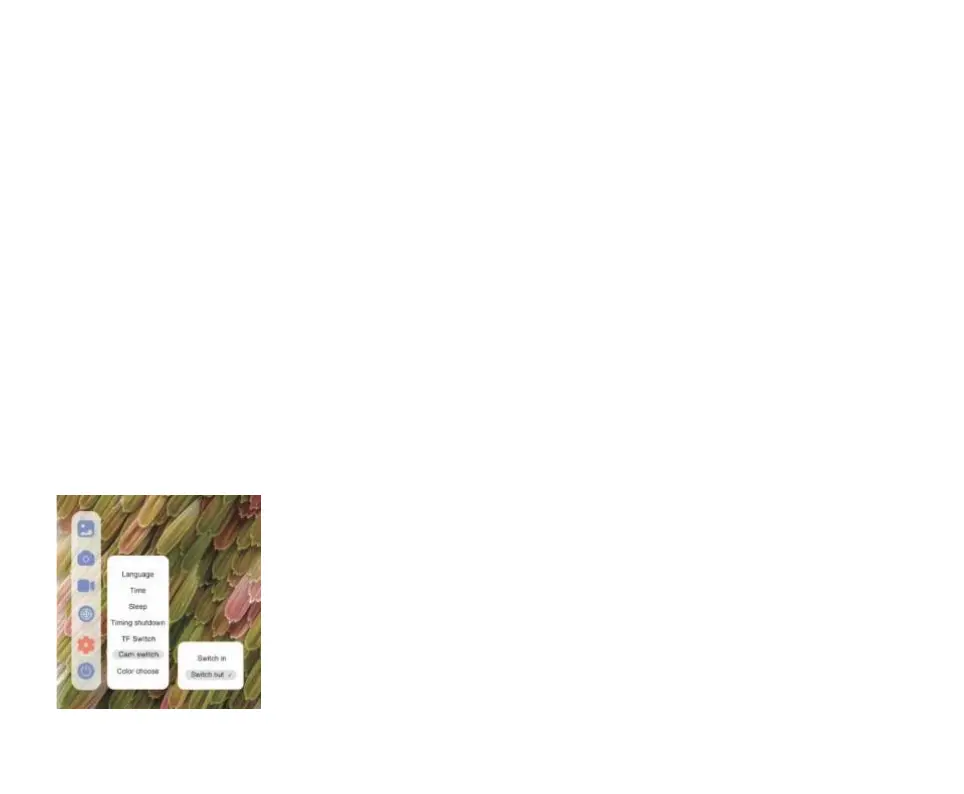
③ Open the MX microscope and click:
Setting → Camera Switching → Cut Out, and the screen
darkens at this time.
14


 To Next Page