EasyManua.ls Logo

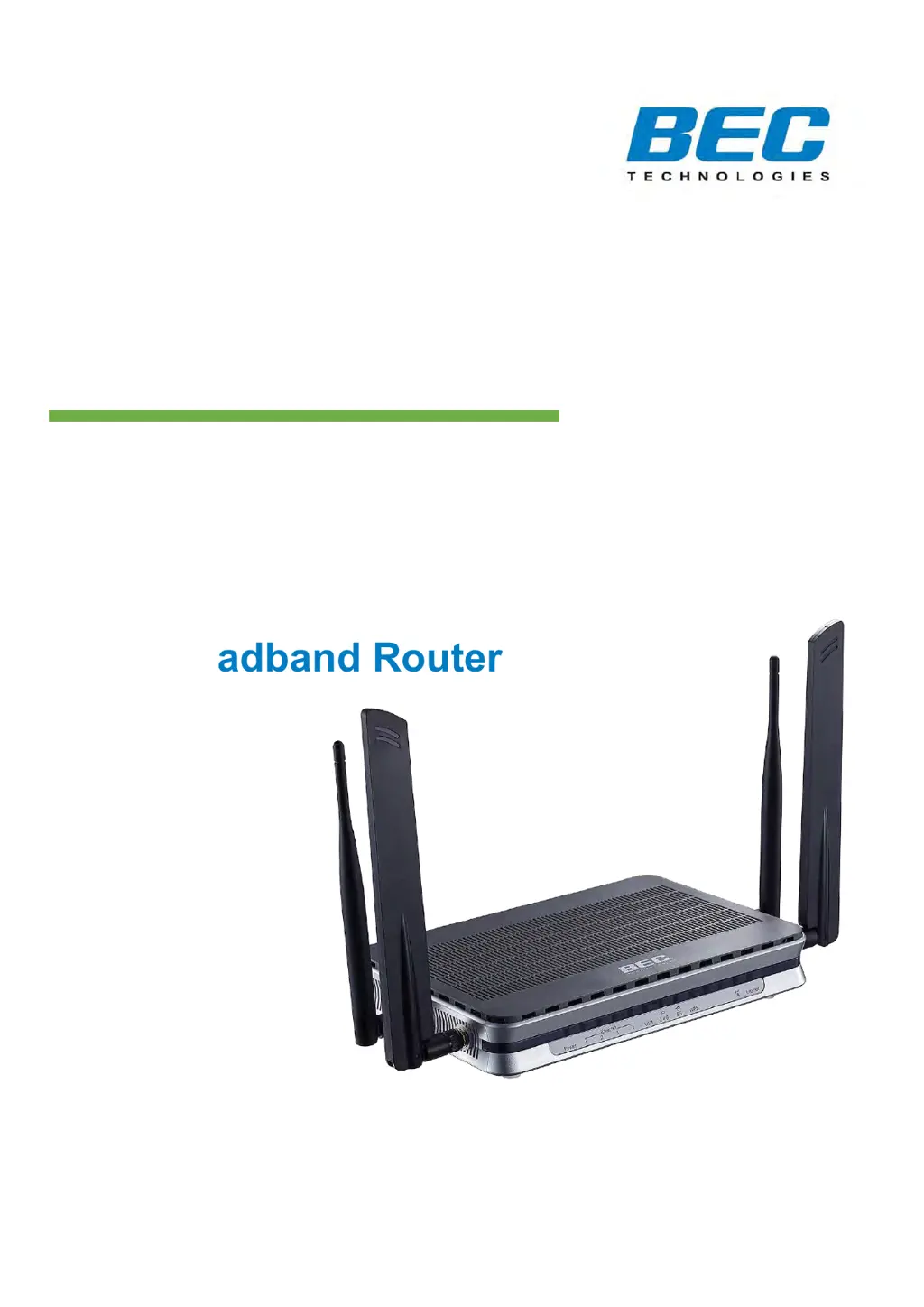
BEC 6500 Series - User Manual

BEC 6500 Series
192 pages
Print Icon
To Next Page IconTo Next Page
Loading...
Last revised: April. 2019
Version release: v1.1
User Manual
BEC 6500 Series
4G/LTE Multi-Service
11ac Broadband Router

Table of Contents

Questions and Answers

Summary

Introduction and Product Overview

Router Introduction and Features

Overview of the BEC 6500 router, its capabilities, and key features like 4G/LTE and Wi-Fi.

Hardware Specifications and Connections

Details physical interfaces, ports, dimensions, and connection instructions for the router.

System Recovery Procedures

Steps to restore the router to its initial state in case of issues or firmware failure.

Basic Installation and Setup

PC Network Configuration (IPv4;IPv6)

Guides on configuring PC network settings for IPv4 and IPv6 on different operating systems.

Initial Setup: Default Settings and ISP Info

Essential default settings and required ISP information for initial router setup.

Device Configuration and Management

Accessing and Monitoring Router Status

Logging into the interface, viewing status, system logs, and running diagnostics.

Internet Connection Setup (4 G;LTE & EWAN)

Configuration of 4G/LTE and EWAN internet connections, including advanced settings.

Wireless LAN and Hotspot Configuration

Setup and management of wireless LAN, security, SSID, WPS, and Wi-Fi hotspot features.

Advanced Network and Security Settings

Configuration of Firewall, NAT, VPN, routing, QoS, and access control features.

VoIP Setup and Call Features

Configuration of VoIP services, including basic settings, media, dial plan, and call features.

Access Management (DDNS, Packet Filter)

Management of access control, packet filtering, DDNS, and other security features.

Maintenance and Troubleshooting

System Maintenance Procedures

Procedures for user management, time settings, firmware updates, and system restarts.

Troubleshooting Common Issues

Guidance on resolving common router problems and performing system recovery.

Appendix

Product Support and FCC Compliance

Information on product support, contact details, and FCC compliance statements.

Summary

Introduction and Product Overview

Router Introduction and Features

Overview of the BEC 6500 router, its capabilities, and key features like 4G/LTE and Wi-Fi.

Hardware Specifications and Connections

Details physical interfaces, ports, dimensions, and connection instructions for the router.

System Recovery Procedures

Steps to restore the router to its initial state in case of issues or firmware failure.

Basic Installation and Setup

PC Network Configuration (IPv4;IPv6)

Guides on configuring PC network settings for IPv4 and IPv6 on different operating systems.

Initial Setup: Default Settings and ISP Info

Essential default settings and required ISP information for initial router setup.

Device Configuration and Management

Accessing and Monitoring Router Status

Logging into the interface, viewing status, system logs, and running diagnostics.

Internet Connection Setup (4 G;LTE & EWAN)

Configuration of 4G/LTE and EWAN internet connections, including advanced settings.

Wireless LAN and Hotspot Configuration

Setup and management of wireless LAN, security, SSID, WPS, and Wi-Fi hotspot features.

Advanced Network and Security Settings

Configuration of Firewall, NAT, VPN, routing, QoS, and access control features.

VoIP Setup and Call Features

Configuration of VoIP services, including basic settings, media, dial plan, and call features.

Access Management (DDNS, Packet Filter)

Management of access control, packet filtering, DDNS, and other security features.

Maintenance and Troubleshooting

System Maintenance Procedures

Procedures for user management, time settings, firmware updates, and system restarts.

Troubleshooting Common Issues

Guidance on resolving common router problems and performing system recovery.

Appendix

Product Support and FCC Compliance

Information on product support, contact details, and FCC compliance statements.

BEC 6500 Series Specifications

General IconGeneral
BrandBEC
Model6500 Series
CategoryWireless Router
LanguageEnglish

Related product manuals