EasyManua.ls Logo

BEC MX-210NP - User Manual

BEC MX-210NP
114 pages
Print Icon
To Next Page IconTo Next Page
Loading...
Last revised: May, 2018
Version release: v1.01
User Manual
BEC MX-210NP
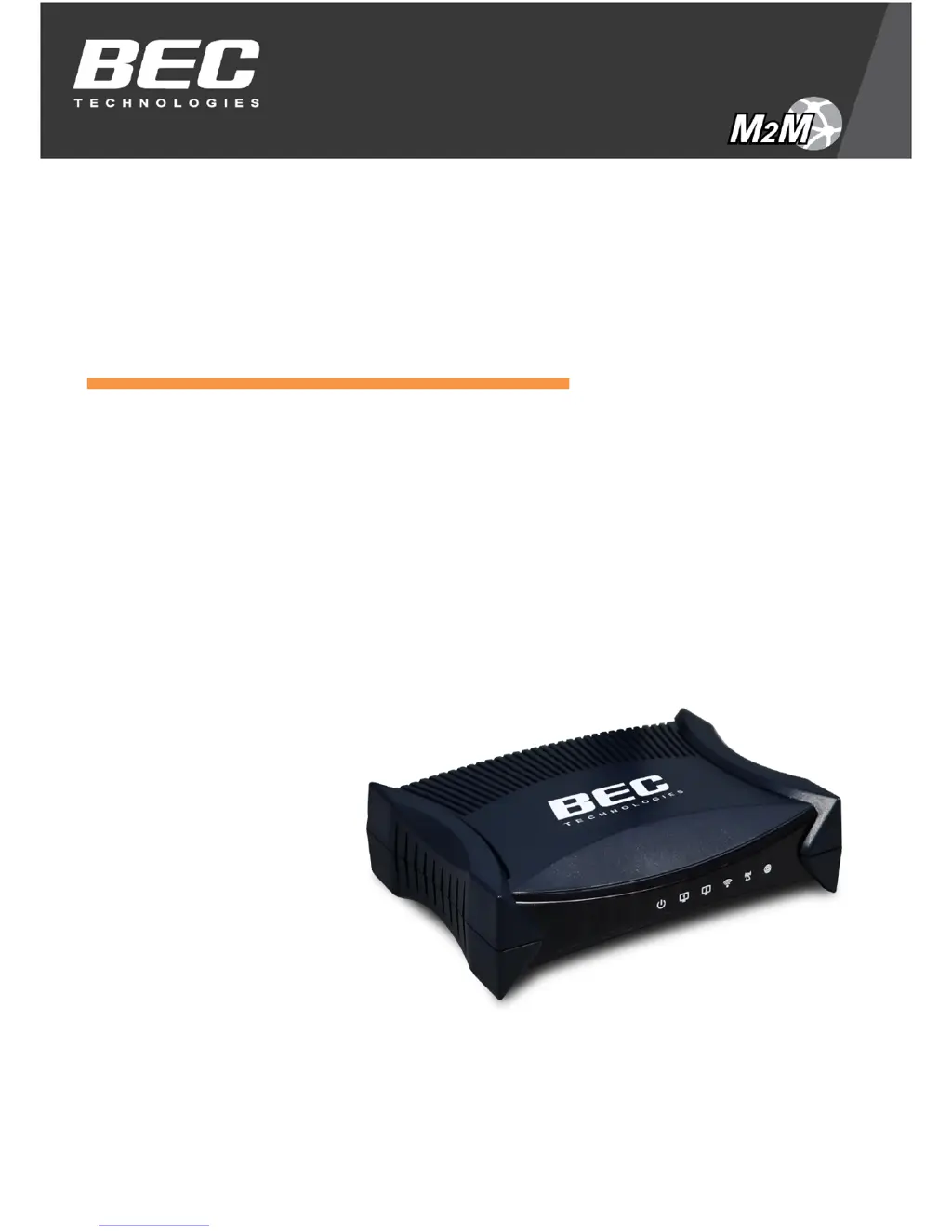
4G/LTE Wi-Fi Router with PoE

Table of Contents

Other manuals for BEC MX-210NP

Questions and Answers

Summary

CHAPTER 2: PRODUCT OVERVIEW

SYSTEM RECOVERY PROCEDURES

Explains the steps to restore the router to its initial stage or recover from firmware issues.

CHAPTER 3: BASIC INSTALLATION

NETWORK CONFIGURATION - IPV4

Guides users on configuring IPv4 network settings on PCs for router connectivity.

CHAPTER 4: DEVICE CONFIGURATION

LOGIN TO YOUR DEVICE

Instructions on how to access the router's web interface using default credentials.

DEVICE CONFIGURATION

Details configuration of Interface Setup, Dual WAN, Advanced Setup, Access Management, and Maintenance.

CHAPTER 5: TROUBLESHOOTING

PROBLEMS WITH THE ROUTER

Lists common router issues and their suggested troubleshooting actions.

Summary

CHAPTER 2: PRODUCT OVERVIEW

SYSTEM RECOVERY PROCEDURES

Explains the steps to restore the router to its initial stage or recover from firmware issues.

CHAPTER 3: BASIC INSTALLATION

NETWORK CONFIGURATION - IPV4

Guides users on configuring IPv4 network settings on PCs for router connectivity.

CHAPTER 4: DEVICE CONFIGURATION

LOGIN TO YOUR DEVICE

Instructions on how to access the router's web interface using default credentials.

DEVICE CONFIGURATION

Details configuration of Interface Setup, Dual WAN, Advanced Setup, Access Management, and Maintenance.

CHAPTER 5: TROUBLESHOOTING

PROBLEMS WITH THE ROUTER

Lists common router issues and their suggested troubleshooting actions.

BEC MX-210NP Specifications

General IconGeneral
Frequency Bands2.4 GHz
Maximum Wireless Speed300 Mbps
Ethernet Ports4 x 10/100 Mbps
Security ProtocolsWEP, WPA, WPA2
Device TypeWireless Router
Ports4 x LAN, 1 x WAN
Antenna Type2 x External
WAN Port Type10/100 Mbps
Wireless StandardIEEE 802.11b/g/n

Related product manuals