BEC MX-210NP User Manual
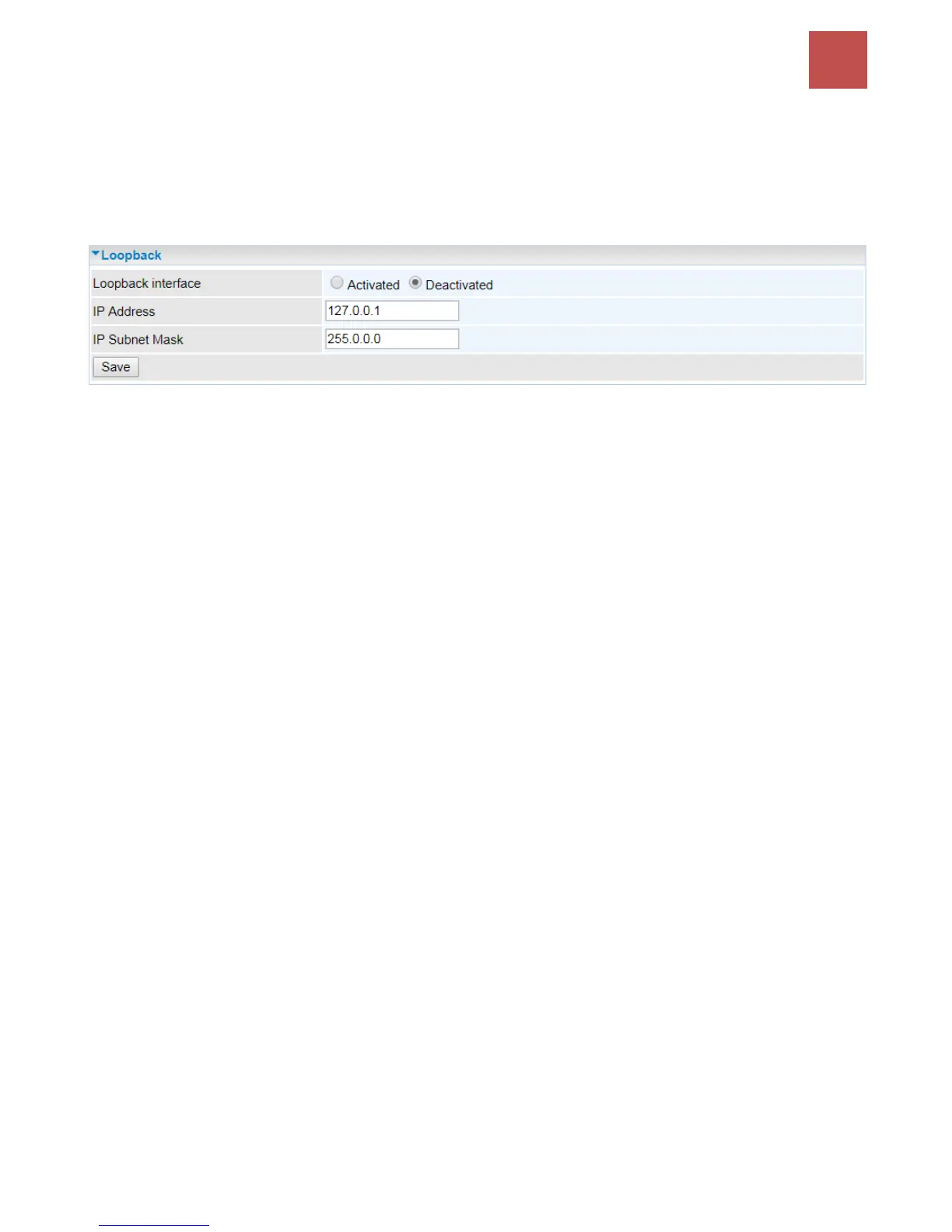
Loopback
Loopback interface is a widely known virtual interface, not the physical interface, on router and is
highly robust and always up. The loopback interface has its own IP and subnet mask, often used for
router management as Telnet management IP and involved in BGP as BGP Update-Source and OSPF
as Router ID.
IP Address: Enter a dedicated IP address for the loopback interface.
IP Subnet Mask: Enter the subnet mask for the loopback interface.
Click Save to apply settings.



 To Next Page