BEC MX-210NP User Manual
Parental Control
This feature provides Web content filtering offering safer and more reliable web surfing for users
especially for parents to protect network security and control the contents for children at home.
To activate this feature, please log on to www.opendns.com to get an OpenDNS account first.
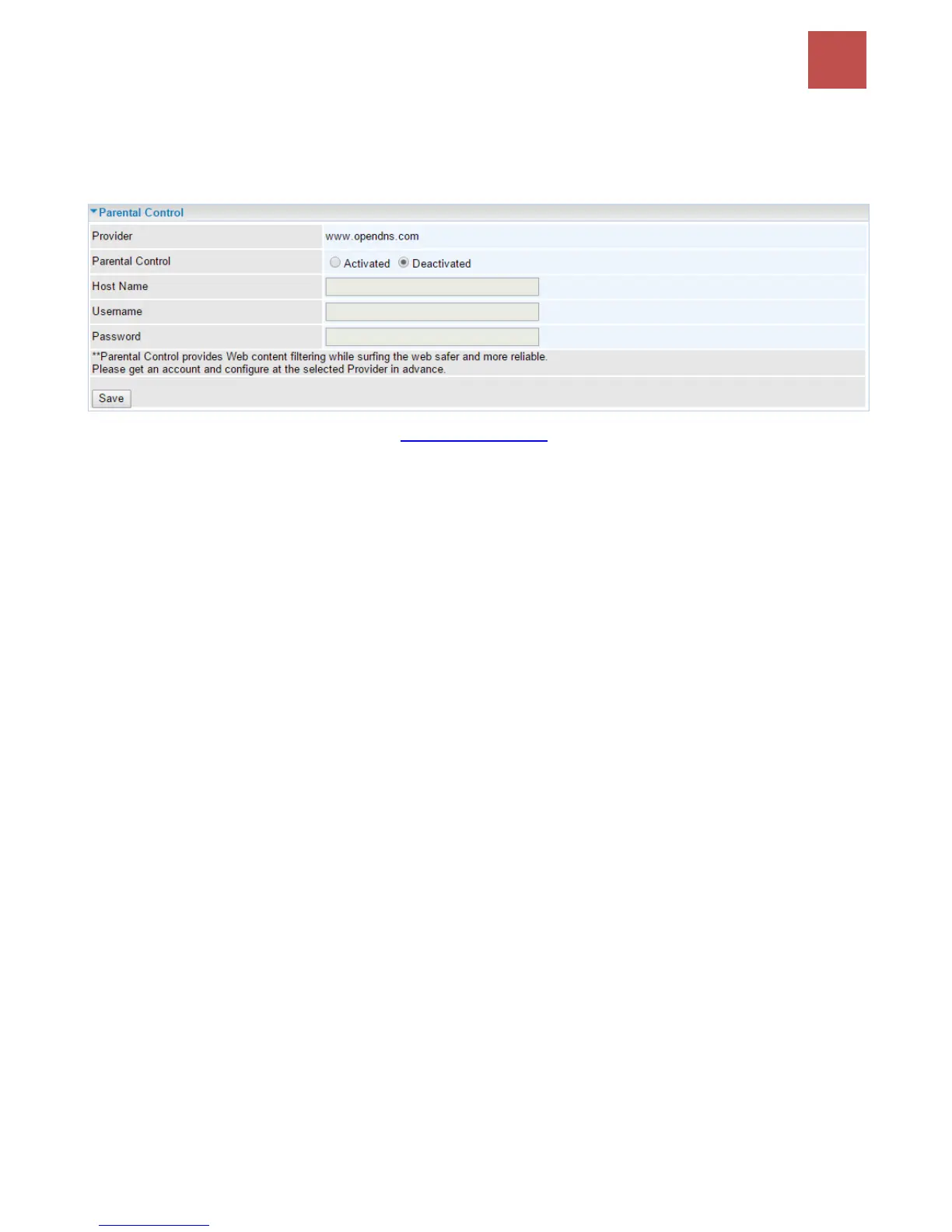
Parent Control Provider: Hosted by www.opendns.com
Parent Control: Enable the feature by clicking the Activated
Host Name: It is the domain name of your OpenDNS. If you don’t have one, please leave it blink.
Username / Password: Put down your OpenDNS account username and password
Click Save to apply settings.



 To Next Page