BEC MX-210NP User Manual
Diagnostics Tool
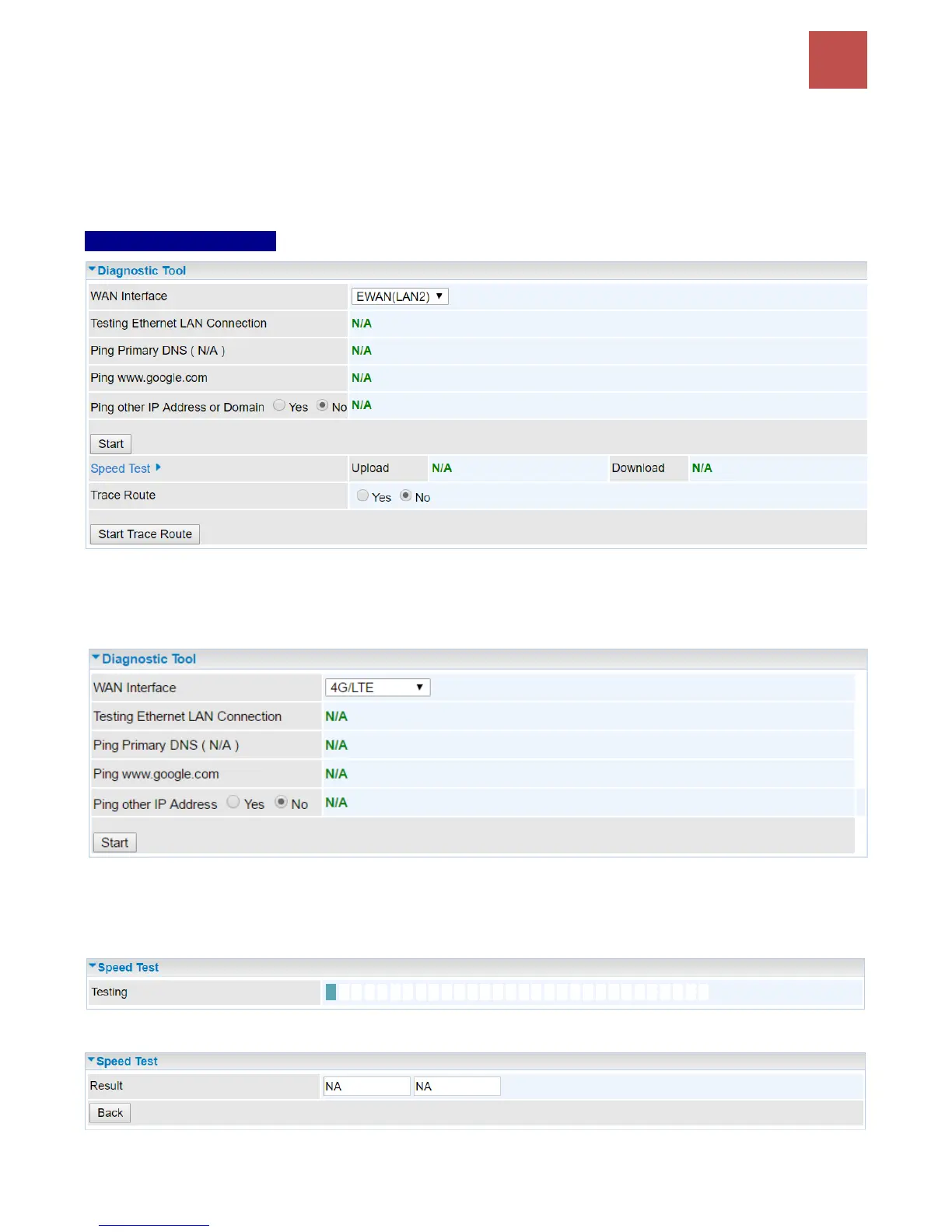
The Diagnostic Test page shows the test results for the connectivity of the physical layer and protocol
layer for both LAN and WAN sides.
4G-LTE / EWAN (LAN2)
Ping other IP Address: Click Yes if you wish to ping other IP address rather than google.com
Click START to begin to diagnose the connection.
Speed Time: Measure the current uplink and downlink speed rate.
Take less than a minute to run the test.
Result in Uplink / Downlink
Click Back to go back to the Diagnostic Tool



 To Next Page