BEC MX-210NP User Manual
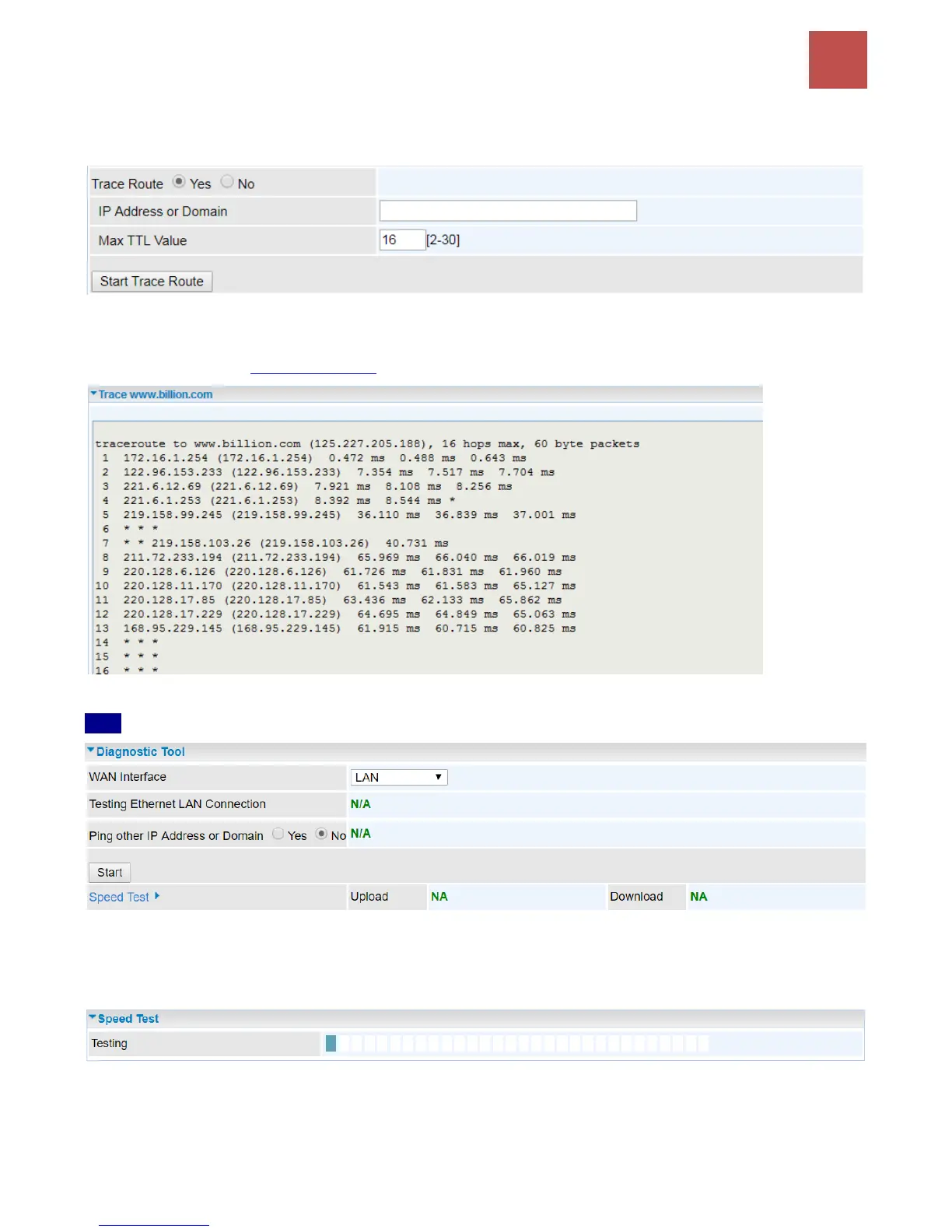
Trace Route is to display how many hops (also view the exact hops) required to get to the destination.
Click Yes, enter the IP address or domain then Start Trace Route.
IP Address or Domain: Set the destination host (IP, domain name) to be traced.
Max TTL value: Set the max Time to live (TTL) value.
Shown as we “trace” www.billion.com below.
LAN
Ping other IP Address: Click Yes to ping any desired IP address or a domain.
Speed Time: Measure the current uplink and downlink speed rate.
Take less than a minute to run the test.
Result in Uplink / Downlink



 To Next Page