BEC MX-210NP User Manual
CHAPTER 4: DEVICE CONFIGURATION
Login to your Device
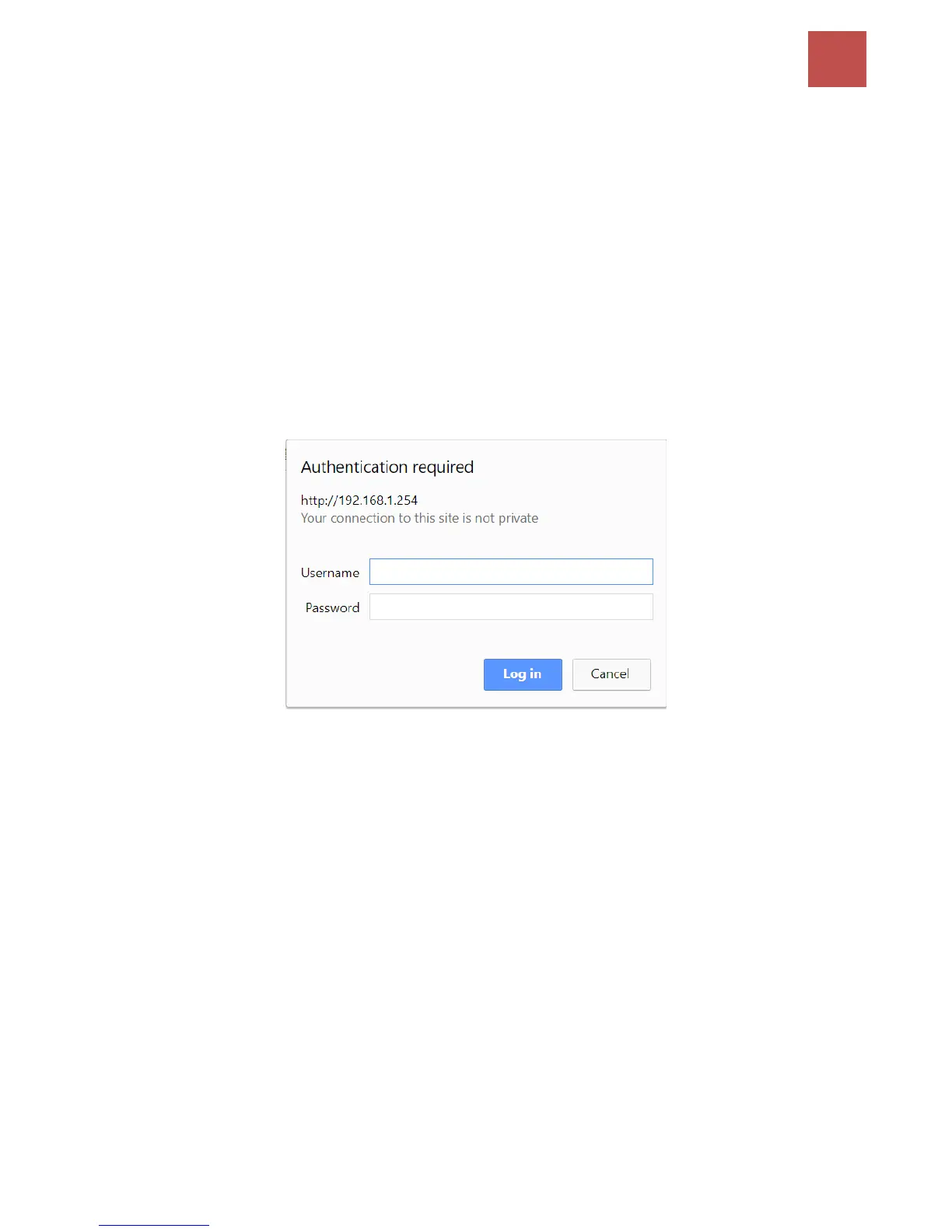
Open your web browser, enter the IP address of your router, which by default is 192.168.1.254, and
click “Go”, a user name and password window prompt appears.
The default username and password are “admin” and “admin” respectively for the Administrator.
For the User account, default username and password is “user” and “user”.
NOTE: This username / password may vary by different Internet Service Providers.
Congratulations! You have successfully logged on to your MX-210NP



 To Next Page