BEC MX-210NP User Manual
Advanced Setup
Advanced configuration features provide advanced features, including Firewall, Routing, NAT, VRRP,
Static DNS, QoS, Time Schedule and Mail Alert for advanced users.
Firewall
Your router includes a firewall for helping to prevent attacks from hackers. In addition to this, when
using NAT (Network Address Translation) the router acts as a “natural” Internet firewall, since all PCs
on your LAN use private IP addresses that cannot be directly accessed from the Internet.
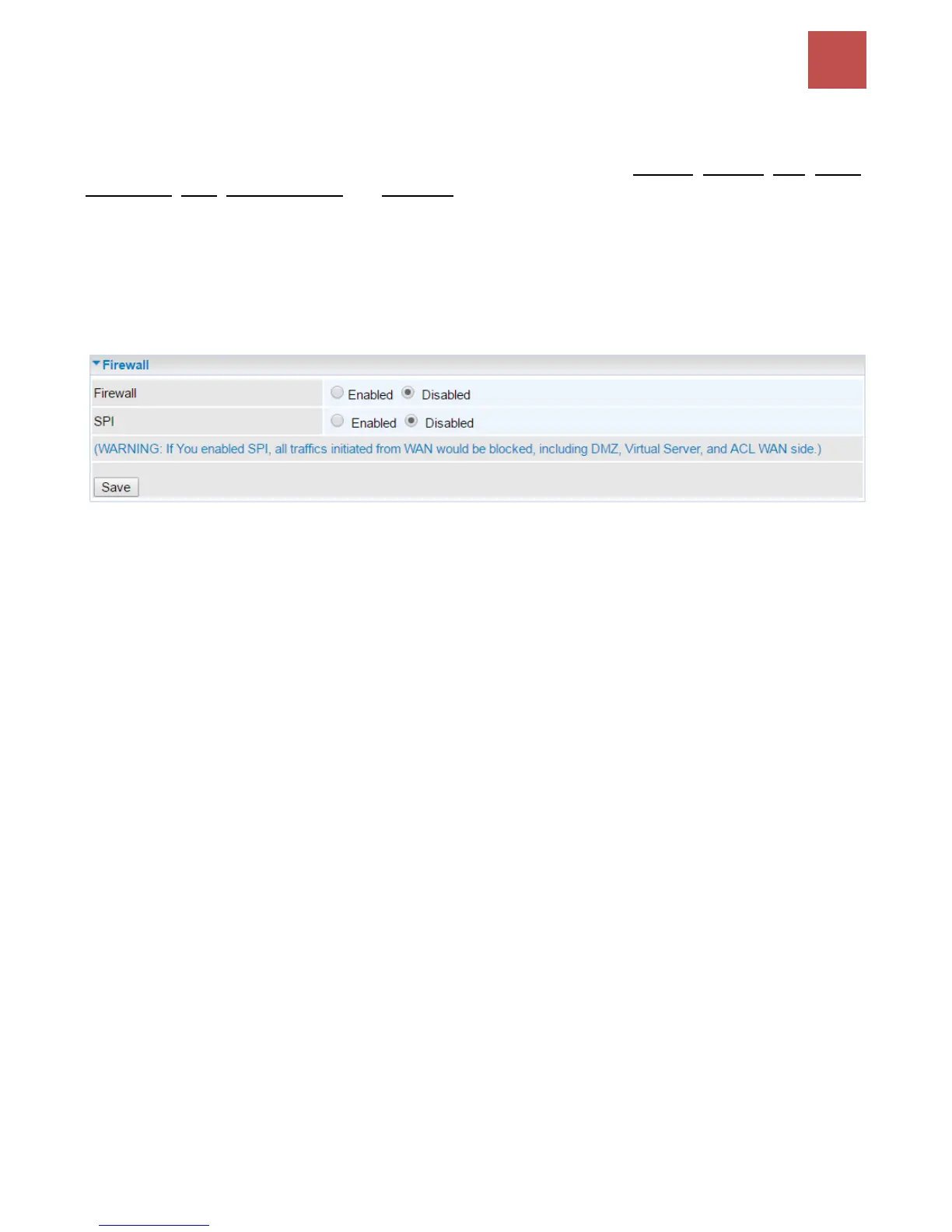
Firewall: To automatically detect and block Denial of Service (DoS) attacks, such as Ping of Death,
SYN Flood, Port Scan and Land Attack.
Enabled: Activate your firewall function.
Disabled: Deactivate the firewall function.
SPI: If you enabled SPI, all traffics initiated from WAN would be blocked, including DMZ, Virtual Server,
and ACL WAN side.
Enabled: Activate your SPI function.
Disabled: Deactivate the SPI function.
Click Save to apply settings



 To Next Page