Product Overview
Device Description (Front Panel LEDs)
BEC MX-210NP User Manual
Device Description
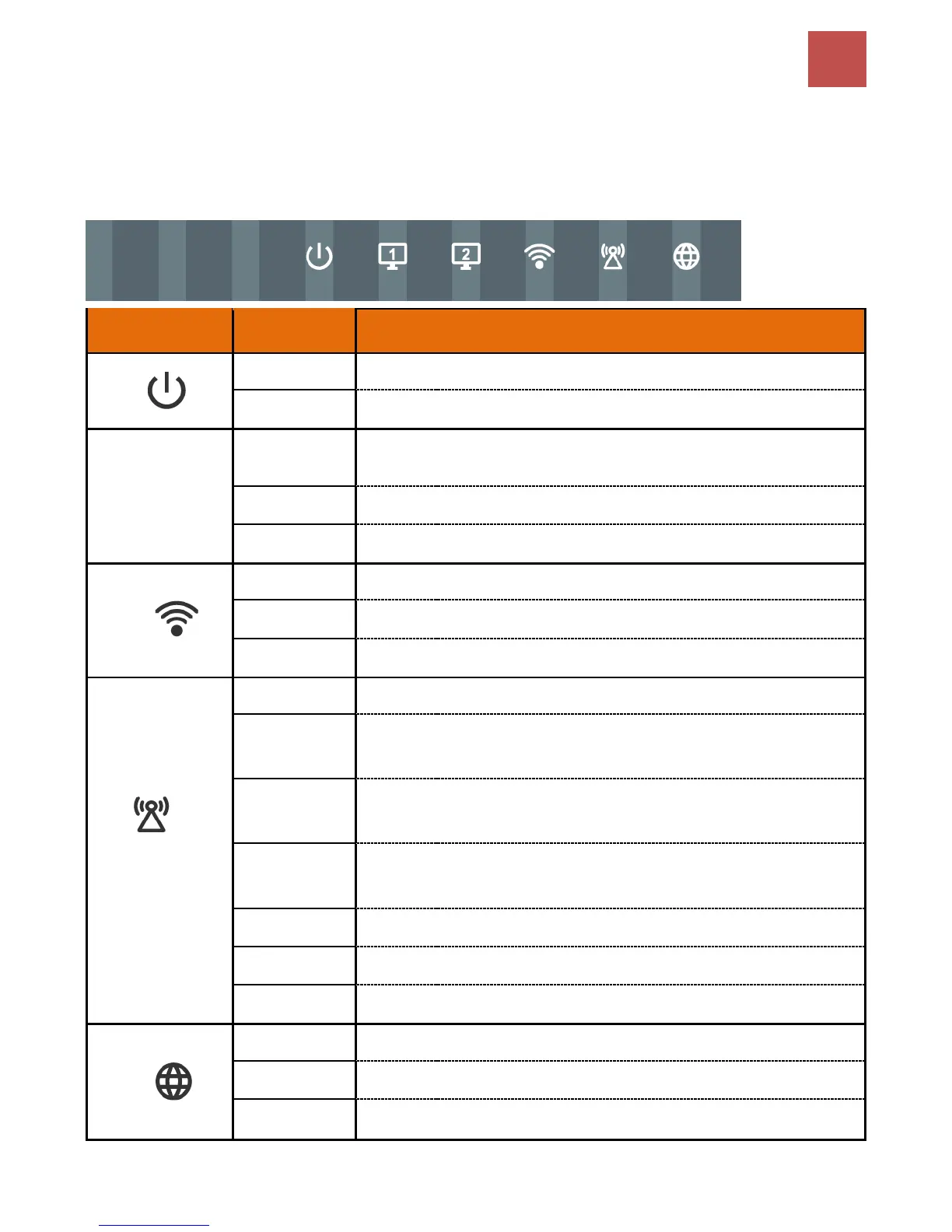
Front Panel LEDs
Transmission speed is at Gigabit speed (1000Mbps)
Transmission speed is at 10/100Mbps
Data being transmitted/received
Wireless connection established
Data being transmitted / received
WPS configuration is in progress
LTE
(Received Signal
Strength
Indicator)
RSSI greater than -69 dBm. Excellent signal condition
RSSI from -81 to -69 dBm. Good signal condition
RSSI from -99 to -81 dBm. Fair signal condition.
RSSI less than -99 dBm. Poor signal condition.
No signal and the cellular module is in service
No LTE module or LTE module fails
MX-210NP is either in debug mode or in upgrading firmwere process
IP address has received, and traffic is passing thru the device.
IP address request has failed.
MX-210NP is either in bridged mode or WAN connection not ready.



 To Next Page