BEC MX-210NP User Manual
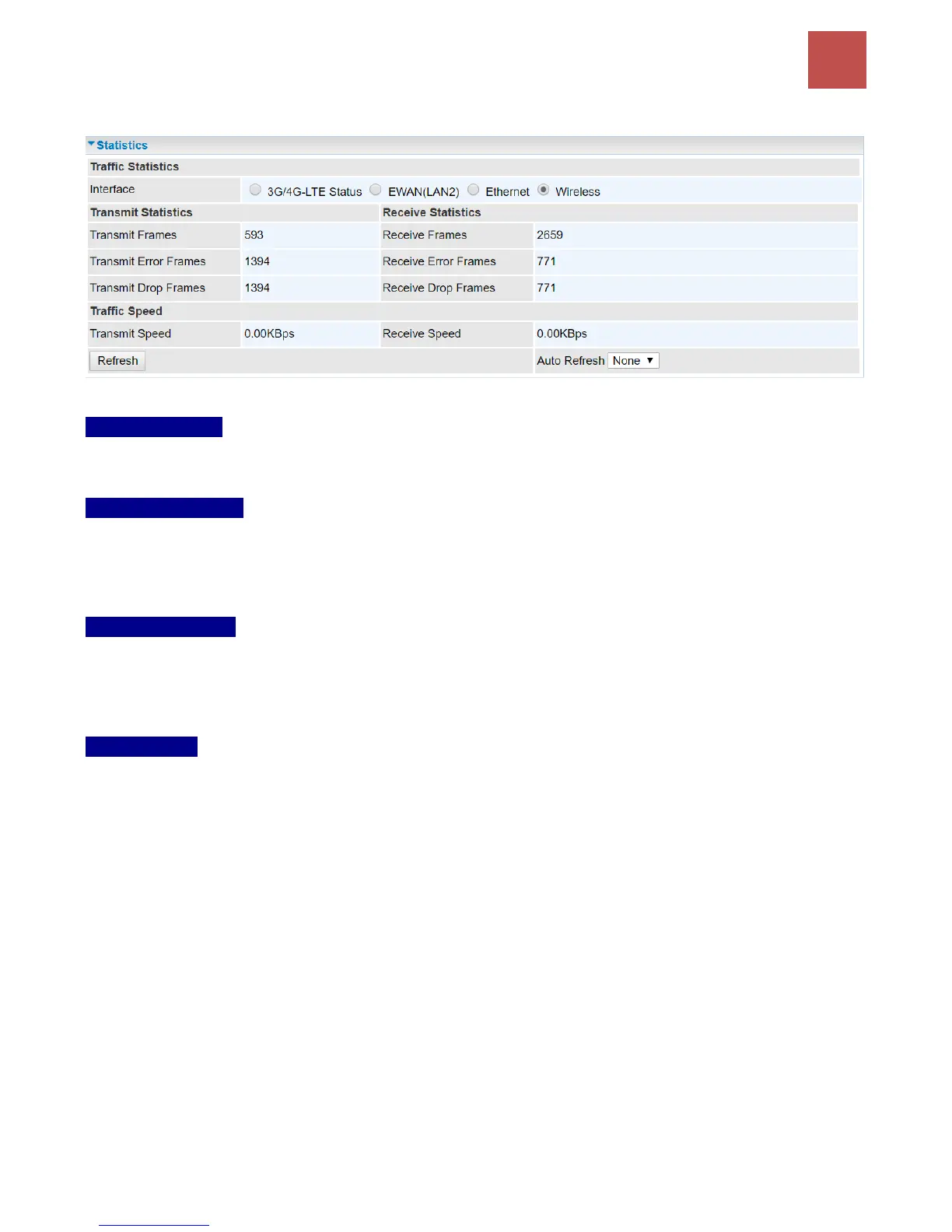
❖ Wireless
Traffic Statistics
Interface: List all available network interfaces in the router. You are currently checking on the physical
status of the Wireless.
Transmit Statistics
Transmit Frames: Display the number of frames transmitted until the latest second.
Transmit Error Frames: Display the number of error frames transmitted until the latest second.
Transmit Drop Frames: Display the number of drop frames transmitted until the latest second.
Receive Statistics
Receive Frames: Display the number of frames received until the latest second.
Receive Error Frames: Display the number of error frames received until the latest second.
Receive Drop Frames: Display the number of drop frames received until the latest second.
Traffic Speed
Transmit Speed: Display the data rate can be transferred to the server, the Wireless AP.
Receive Speed: Display the data rate receives from the Wireless AP.
Refresh: Click to manually refresh the data.
Auto Reresh: Select a time interval to refresh the data automatically or none to disable the feature.



 To Next Page