RESET button
By pressing the RESET button (with a ballpoint pen or similar), the control unit
is reset to its factory settings.
Exception: Function, Language selection and City selection menu items.
Time/Date menu
TIME/DATE
In this menu, you can set the time and date.
Program menu
PROGRAM
In the PROGRAM menu you can set two different functions:
• Astro evening (1–5 and 6,7)
• Individual (1–5 and 6,7)
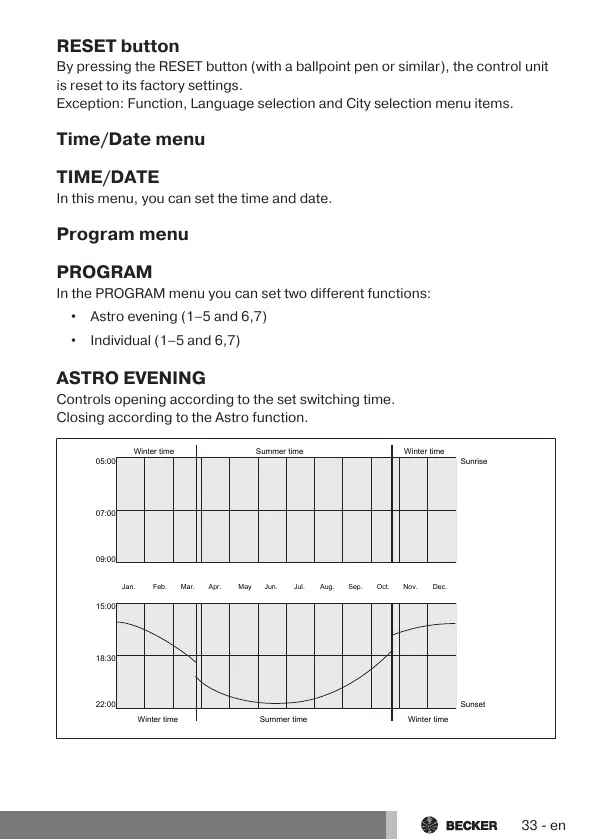
ASTRO EVENING
Controls opening according to the set switching time.
Closing according to the Astro function.
05:00
07:00
09:00
15:00
18:30
22:00
Winter time Summer time Winter time
Winter time Summer time Winter time
Sunrise
Sunset
Jan. Feb. Mar. Apr. May Jun. Jul. Aug. Sep. Oct. Nov. Dec.
33-en



 To Next Page