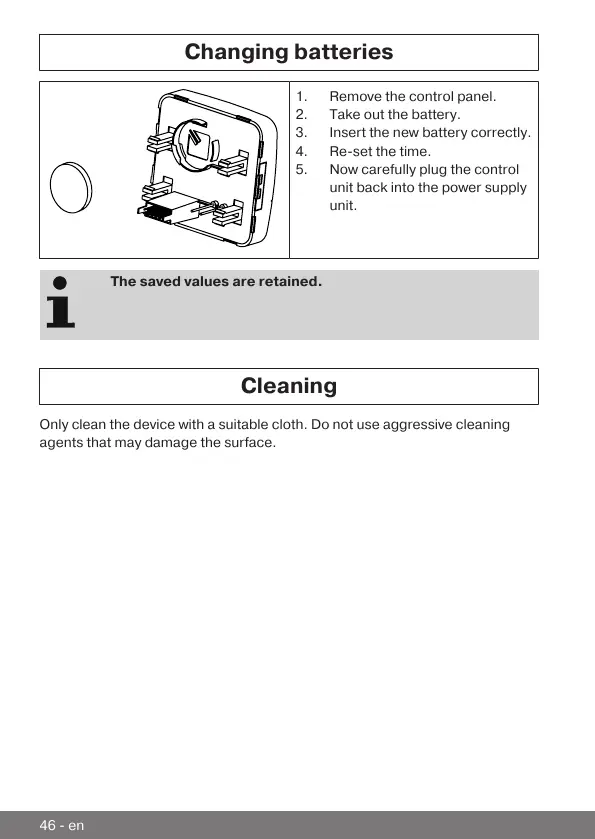
Changing batteries
1.Remove the control panel.
2.Take out the battery.
3.Insert the new battery correctly.
4.Re-set the time.
5.Now carefully plug the control
unit back into the power supply
unit.
The saved values are retained.
Cleaning
Only clean the device with a suitable cloth. Do not use aggressive cleaning
agents that may damage the surface.
46-en



 To Next Page