99
1DYLJDWLRQ2SHUDWLRQ
• P.O.I. !$F"!&
POIs can be selected in those countries contained on Na-
vigation CD.
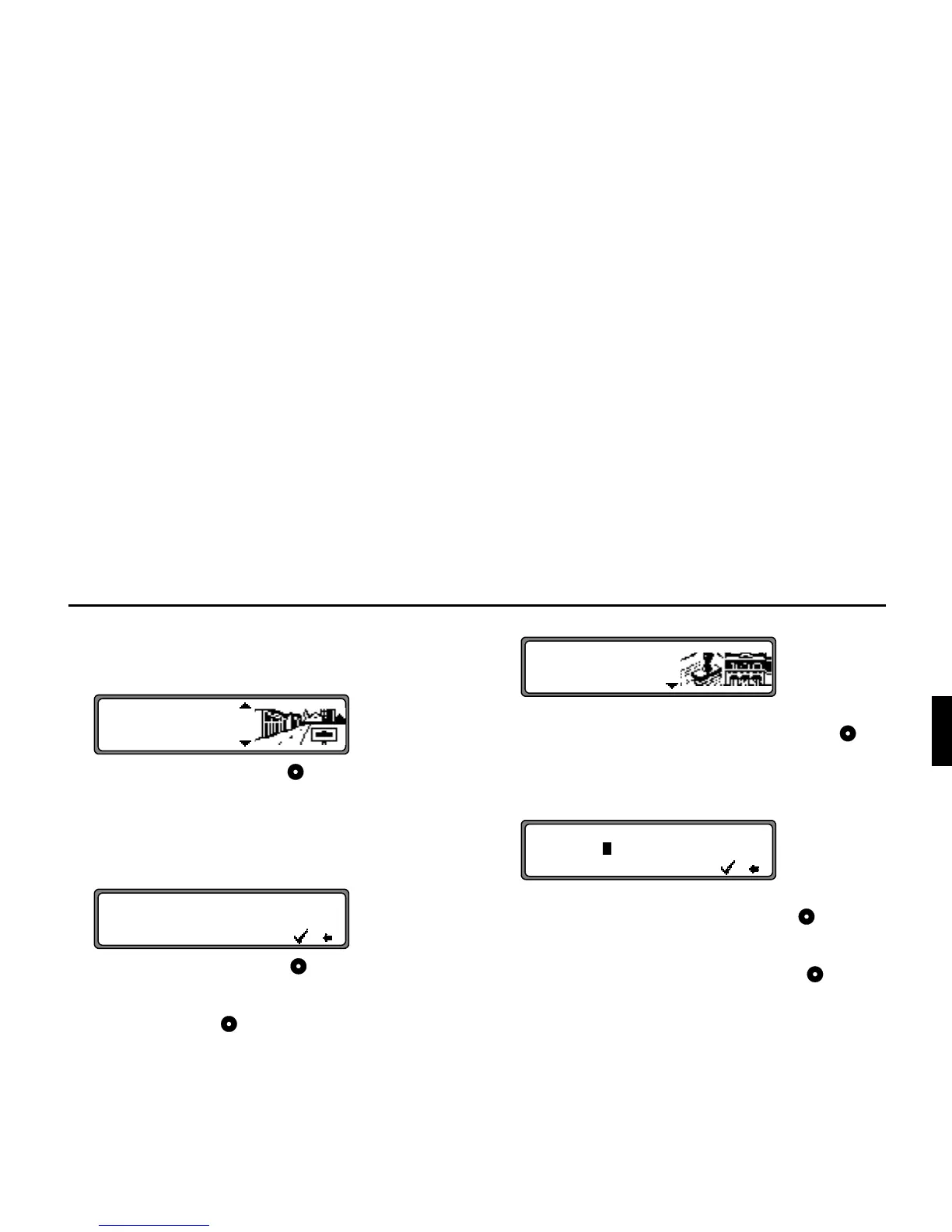
With the right rotary control , select from
&
(see page 81), !$ or !$ and press to con-
firm.
Selecting
!$
POIs can be selected once the town is entered.
Using the right rotary control , enter the name of the
town and press to confirm.
Then, select town from the town selection list using the
right rotary control and confirm once again by pres-
sing.
The POIs for the selected town are displayed.
Select a category using the right rotary control and
press to confirm.
A list of POIs is displayed or, if there are more than 9 POIs
in the list, you will be prompted to enter text
Enter the POI and confirm. Confirm the POI in the appea-
ring list by pressing the right rotary control .
The program will then jump to the Route menu.
1RWH By pressing the right rotary control for more
than 2 seconds without selecting a letter, a list of
all possible POIs will appear.
&
!$
!$P
!"#$Y&'
YYYYYYYYYYYYYYYYYYYYYY
!
!$&"!O
YYYYYYYYYYYYYYYYYYYYY'
YYYYYYYYYYYYYYYYYYYYY















 To Next Page