101
1DYLJDWLRQ2SHUDWLRQ
• ""!
The unit of measurement can be changed from kilometres/
metres to miles/ yards.
•
"!!
Voice announcements for the expected time of arrival
(ETA) can be turned on/ off.
•
!"!
Calculation of ETA can be influenced.
6HWWLQJ7LPH
In order to achieve correct navigation on routes with time-de-
pendent traffic guidance, and to calculate the estimated time
of arrival, it is necessary to set the GMT time transmitted
from satellites to the current time zone.
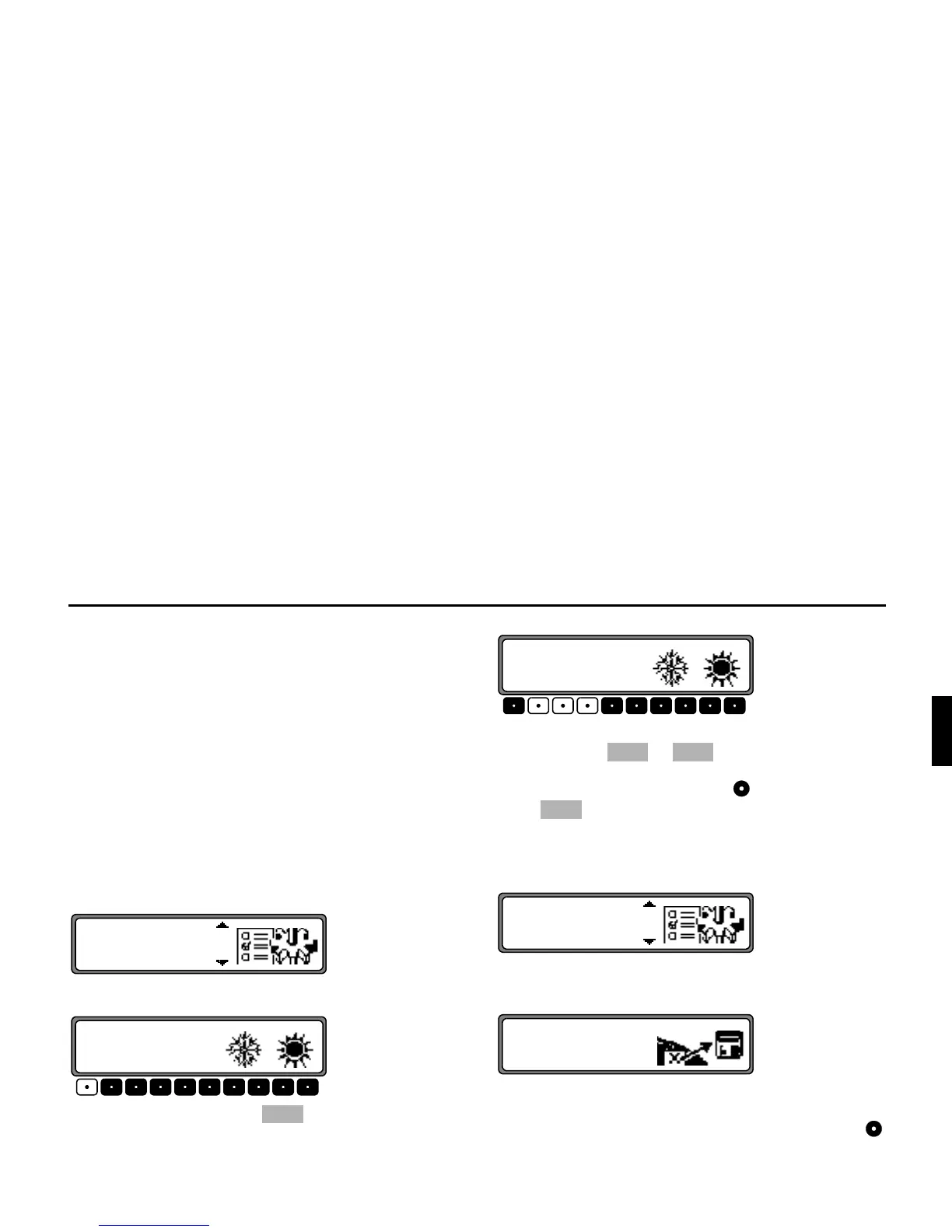
In the System Settings menu, select
! and confirm.
With the multifunction button the time can be changed
from 24- to 12-hour display.
The individual entries can be selected by pressing the multi-
function buttons or , the time will be changed
every half-hour.
By pressing the right rotary control or the multifunction
button the set time is accepted.
The program jumps back to the System Settings menu.
6DYH3RVLWLRQ
Select and confirm
# ! in the System Settings
menu.
The display will show the co-ordinates (latitude/ longitude)
for the current position.
Re-confirm by once again pressing the right rotary control .















 To Next Page