107
'70'\QDPLF7UDIILF0DQDJHPHQW
te guidance, the unit will automatically re-calculate a new
route to the destination.
$ "! is shown on the display. In addition, there is a
voice announcement “7KHURXWHLVEHLQJUHFDOFXODWHGEDVHG
RQFXUUHQWWUDIILFDQQRXQFHPHQWV”.
In the DTM Display, is shown inversely.
1RWH If no TMC station can be found, the display will show
"!&!! ! .
The unit will switch back to the route guidance display
after a short time.
If no TMC stations can be found within 10 minutes,
"!&!! !
will appear on the display again and a short signal tone
will sound.
Your navigation system can receive TMC information, whe-
ther a TMC station is selected or not. However, in order to gu-
arantee optimal reception of TMC information, we re-
commend the selection of a TMC station. You can recognise
a TMC station during FM reception by the abbreviation
!.
'LVSOD\7UDIILF,QIRUPDWLRQ
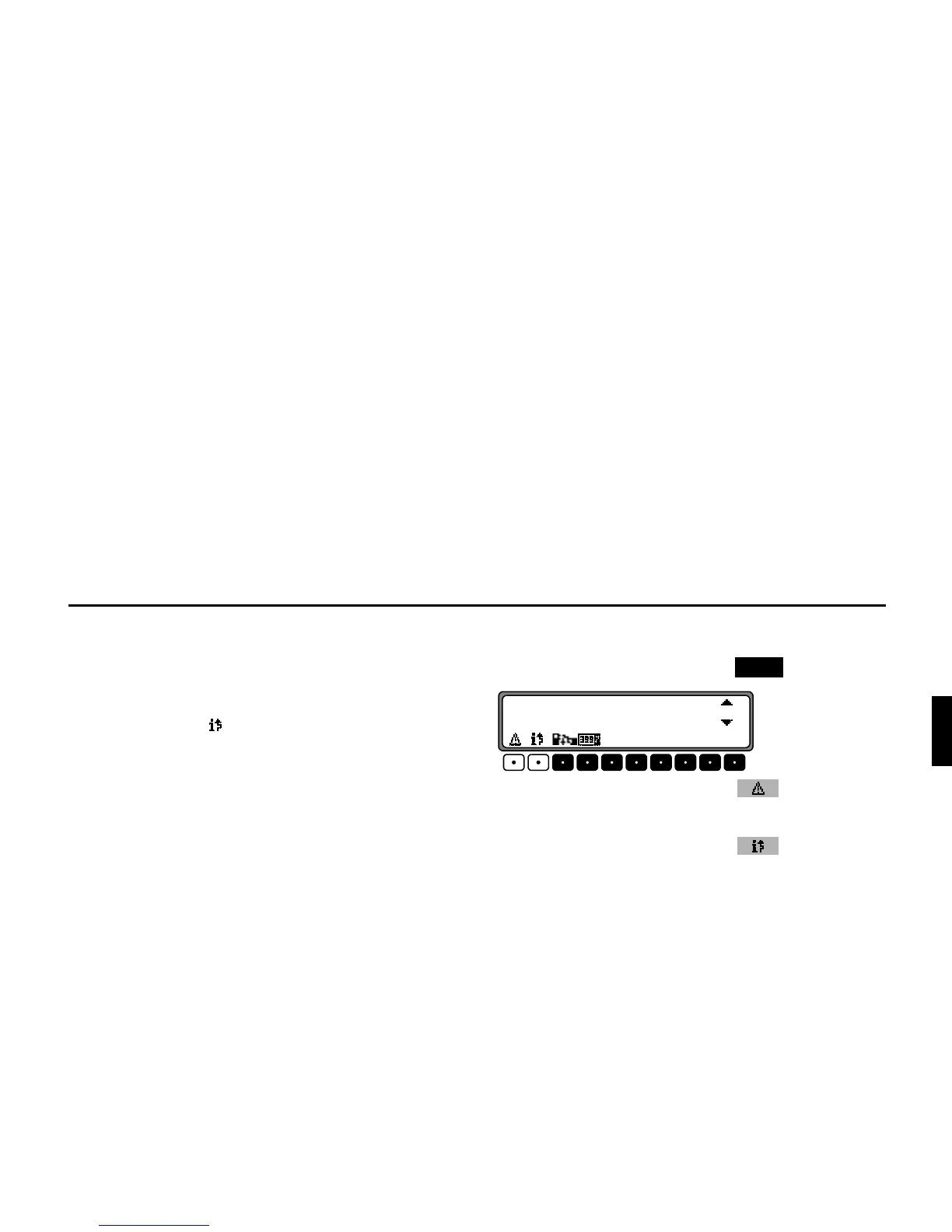
Current traffic announcements can be displayed in text form.
To call up the DTM Menu, press the button.
By pressing the multifunction button , a list of all cur-
rently available traffic information will be displayed.
By pressing the multifunction button , a list of all cur-
rent traffic information relevant for the calculated route is dis-
played.
1RWH If no current traffic information is available,
! #
will be displayed.
In the list of current traffic information, more detailed infor-
mation on the individual announcements can be requested.
'70
*/5,3:,569+<08)695
%05.0+,3:;,+;















 To Next Page