112
5DGLR0RGH
6ZLUFKLQJ37<'LVSOD\2Q2II
Select radio menu mode.
With the multifunction button , select either
!& (PTY
Display On) or
9,8<,5*@ (PTY Display Off).
&DOOLQJXS6WRULQJ)06WDWLRQV
In the Radio Menu Mode, use the multifunction button
to select the level
;(;065: or ;(;065:0?.
-
;(;065: (see also page 134)
-
;(;065:0? (see also page 134)
6WRULQJ 12 frequencies or programmes can be stored per
waveband.
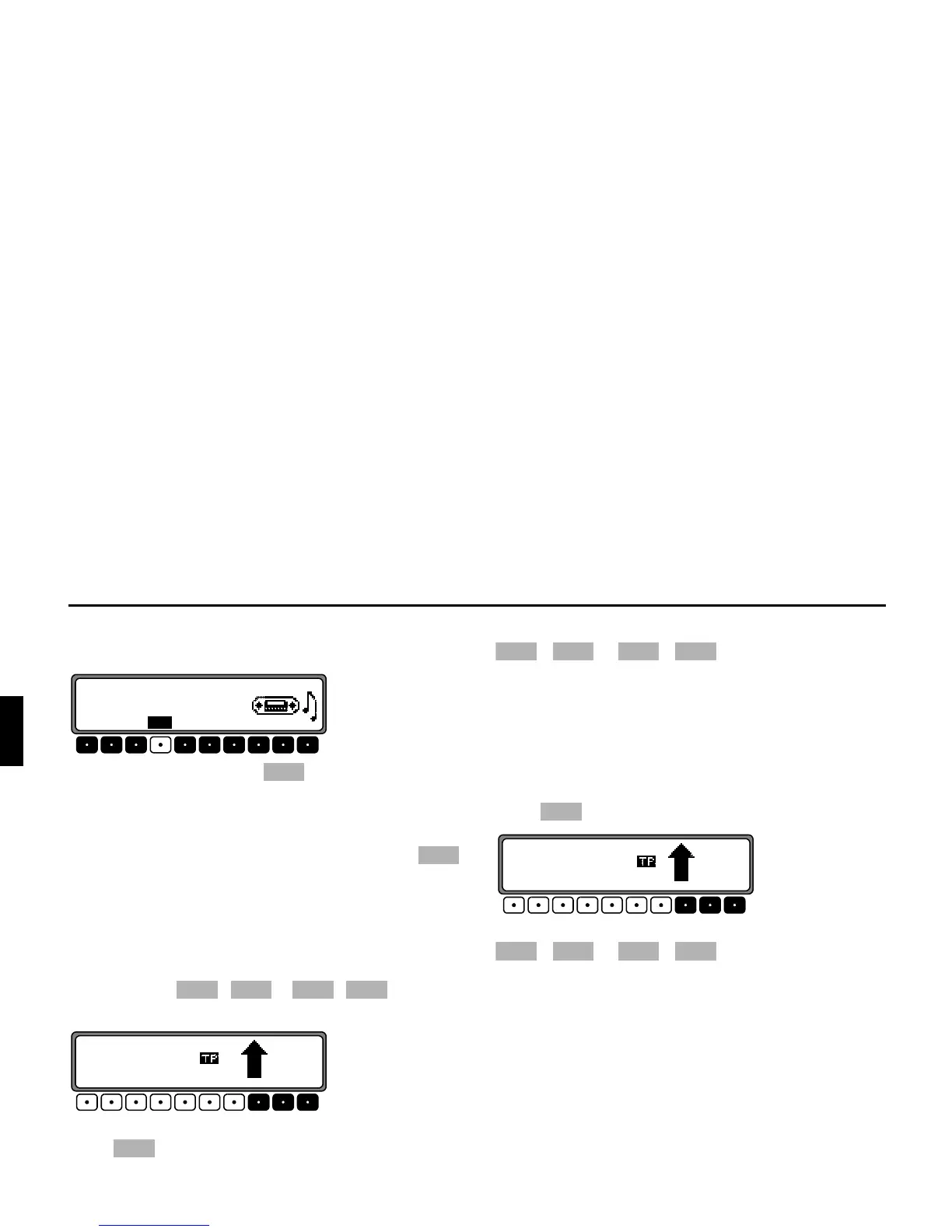
To store the desired station or programme, press the multi-
function buttons - or - until a sig-
nal tone sounds.
To reach memory locations 7 – 12, press the multifunction
button .
&DOOLQJXSDVWRUHGVWDWLRQ: Press the multifunction button
- or - . The stored transmitter is
called up.
&DOOLQJXS6WRULQJ0:/:6:6WDWLRQV
6WRULQJ Up to 12 stations can be stored under the station but-
tons. Search for the desired station and press the desired mul-
tifunction button until a signal tone sounds.
To reach memory locations 7 – 12, press the multifunction
button .
&DOOLQJXSRepeatedly press the multifunction button
- or - . The stored transmitter is
called up.















 To Next Page