130
6HUYLFH0HQX
6HUYLFH0HQX
&DOO8S([LW6HUYLFH0HQX
The following information can be called up in the Service
Menu.
•
6+,3S6YPDisplay of the model number
•
,90(3S6YPDisplay of the serial number
•
/(5.,9,:,; - Reset for CDC (if available). For Re-
set, press the multifunction button .
•
- Display of the current GAL adjustment
•
(+06 6-;>(9, - Display of radio software status
•
(+06636 - Display of radio Bolo status
•
(=064 - Display of Navi Rom/Lib status
•
(=03(:/ - Display of Navi Flash status
•
!#(3<, - Display of RTC value
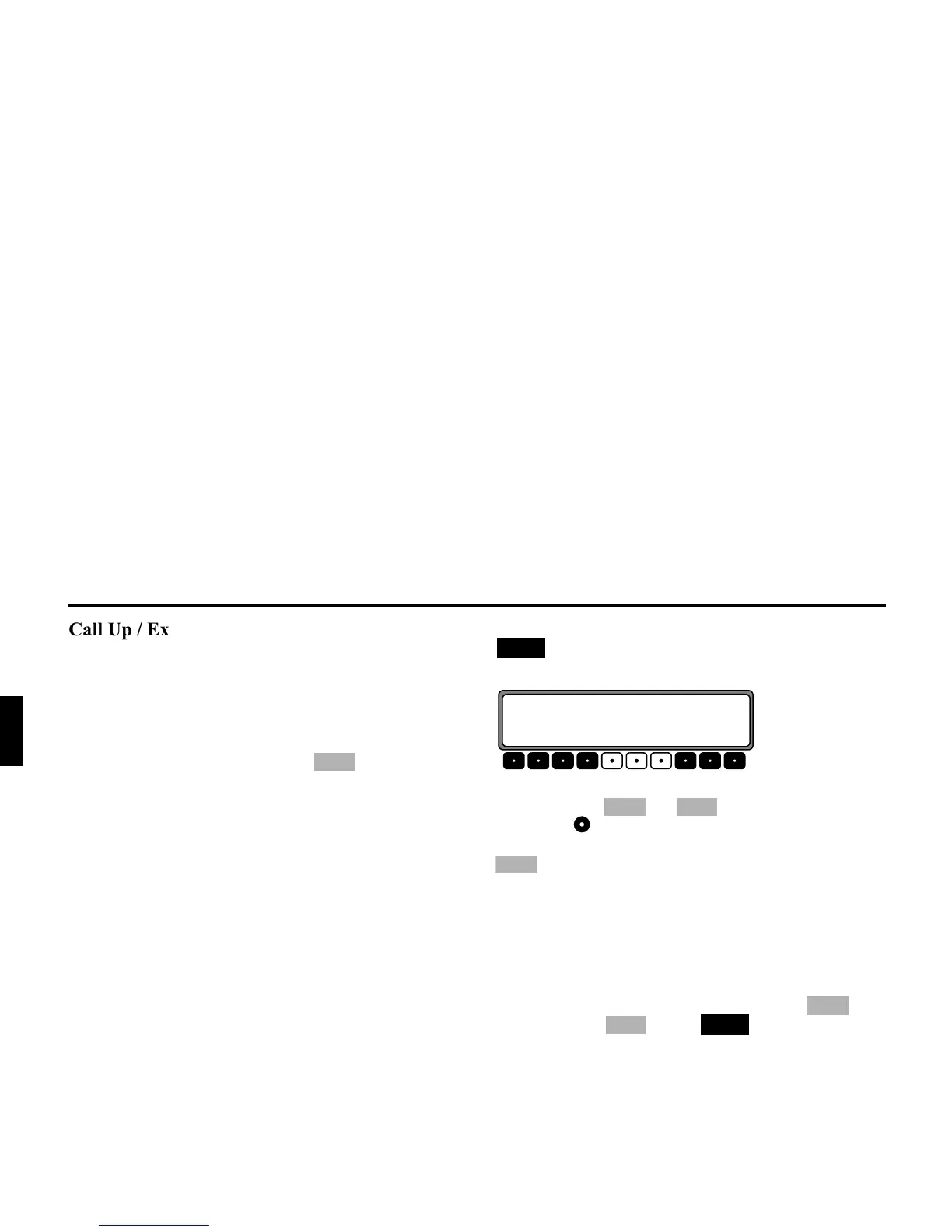
To set the Service Menu, simultaneously press the button
and the multifunction button 10 during radio opera-
tion.
The individual entries can be selected by pressing the multi-
function buttons and or by turning the right ro-
tary control .
To exit the Service Menu, press the multifunction button
.
7ULJJHULQJ5HVHW
If a malfunction of the unit should occur, such that the unit is
no longer capable of operation or is defective in some other
way, a restart of the internal unit software (reset) can be trig-
gered via the following button combination:
To trigger a reset, press the multifunction button , mul-
tifunction button and the button at the same ti-
me.
After a reset of the unit software, the code number must be en-
tered and the Navigation CD re-inserted.
,:
1$9
9(5+(4,P
" ("/21F60F
?; 9=5+
?; 9=
5+
73















 To Next Page