Page 21
9487 Dielman Rock Island Ind Dr, St. Louis, MO 63132 www.becs.com
Operation and Maintenance Manual
Rev:
L13
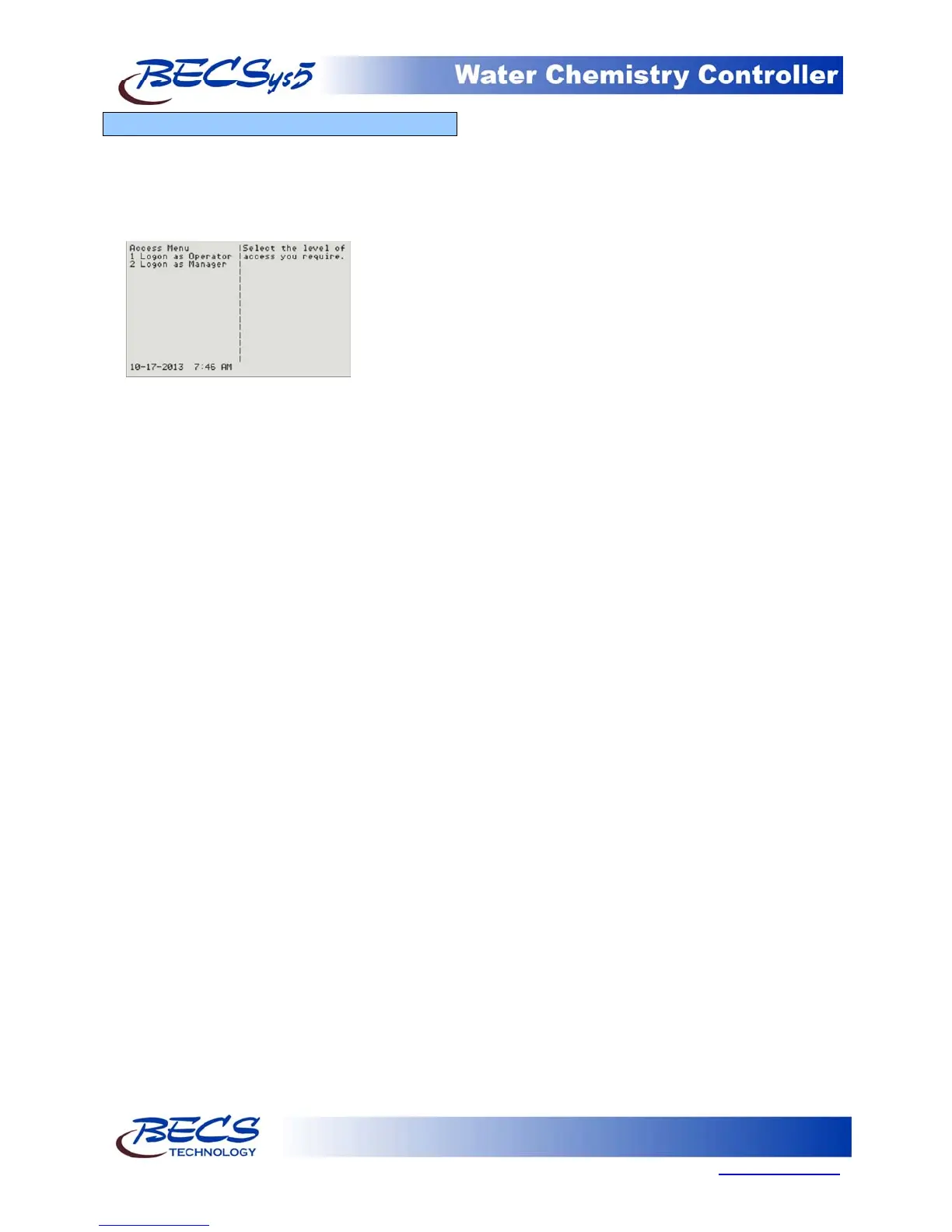
A – 11: Access Menu
The controller will require users to enter their access
code before allowing them to enter the menus or set
any values under the quick set keys. The controller
automatically displays the access screen whenever a
user does not have a high enough access level to
enter a specific screen.
To enter an Operator access code, press 1.
To enter a Manager access code, press 2.
If at anytime you wish to logon as another access
level, you may do so by pressing the Menu key and
selecting Logon from the main menu.



 To Next Page