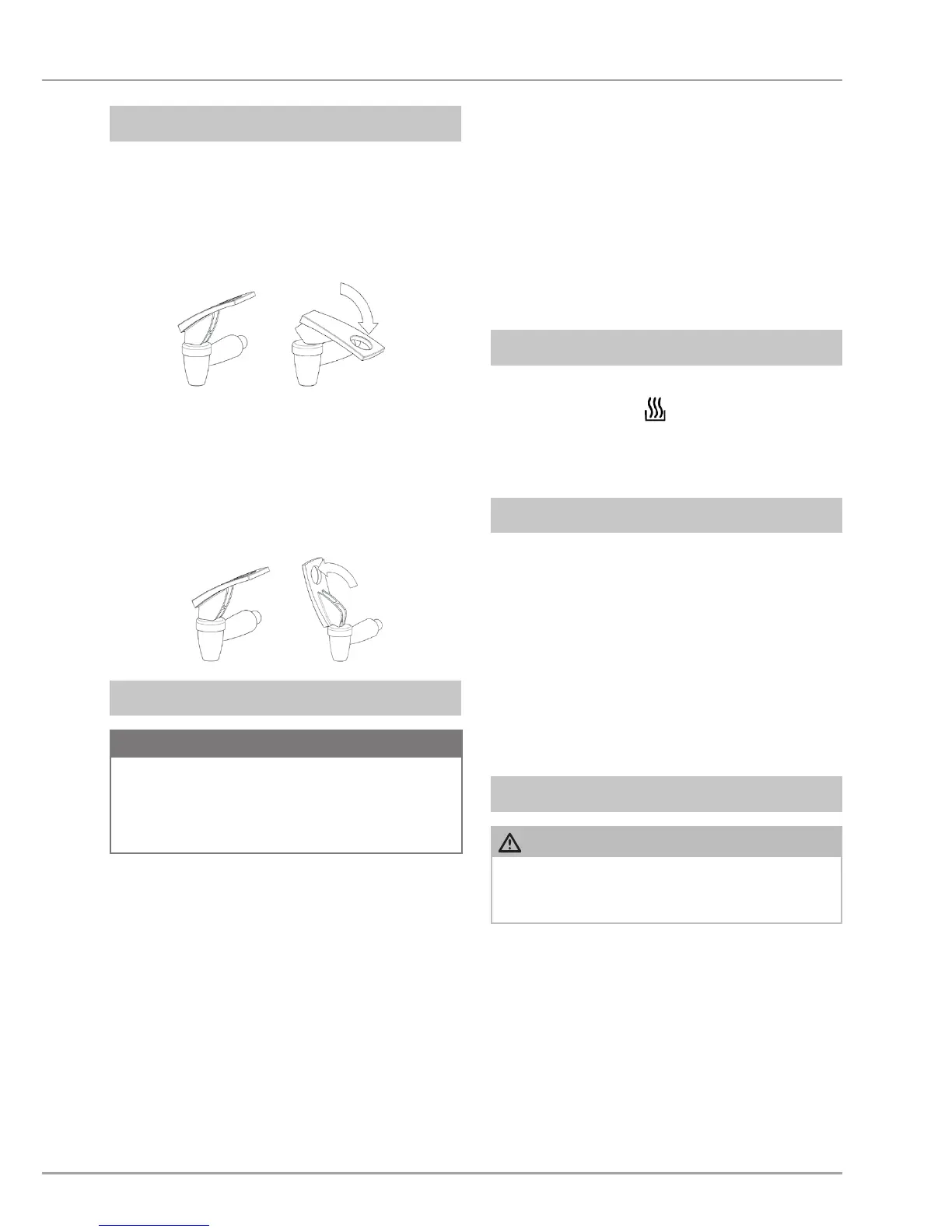
Touch mode
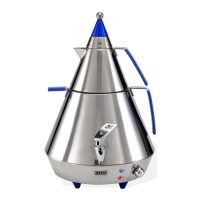
Press the lever (14) downwards. The
dispensing tap (13) opens. To close
the dispensing tap again, release the
lever.
Continuous operation
Push the lever (14) fully upwards. It
locks in this position. The dispensing
tap (13) opens. To close the dispens-
ing tap again, push the lever down-
wards.
ATTENTION
Make sure that the rotary switch (9) ►
is turned anticlockwise until it stops.
Only then insert the plug into the
mains socket.
To heat up water, proceed as follows:
Fill the water tank with the desired
quantity of fresh water. Pay attention
to the maximum level mark (15).
If necessary, dry the appliance.
Close the lid of the water tank and
subsequently put the teapot on top
of it.
Turn the rotary switch clockwise until
the desired setting is reached.
The thermostat enables individual setting
of the water temperature, as described in
the section Rotary switch (page 21).
If you turn the rotary switch (9) clockwise
until it stops in the
position, the water
is boiled quickly. If you leave the switch in
this position, the water will continue boiling
until it has completely evaporated.
After the water has boiled, turn the rotary
switch (9) back until the indicator lamp
(12) extinguishes. This switches the ap-
pliance to intermittent boiling. The appli-
ance then switches itself on again and
starts heating when the water temperature
drops. The thermostat then controls the
power supply as required and saves en-
ergy. The thermostat cycle switches the
indicator lamp (12) on and off.
Filling up the hot container can cause
steam to escape and lead to scalding!


 To Next Page