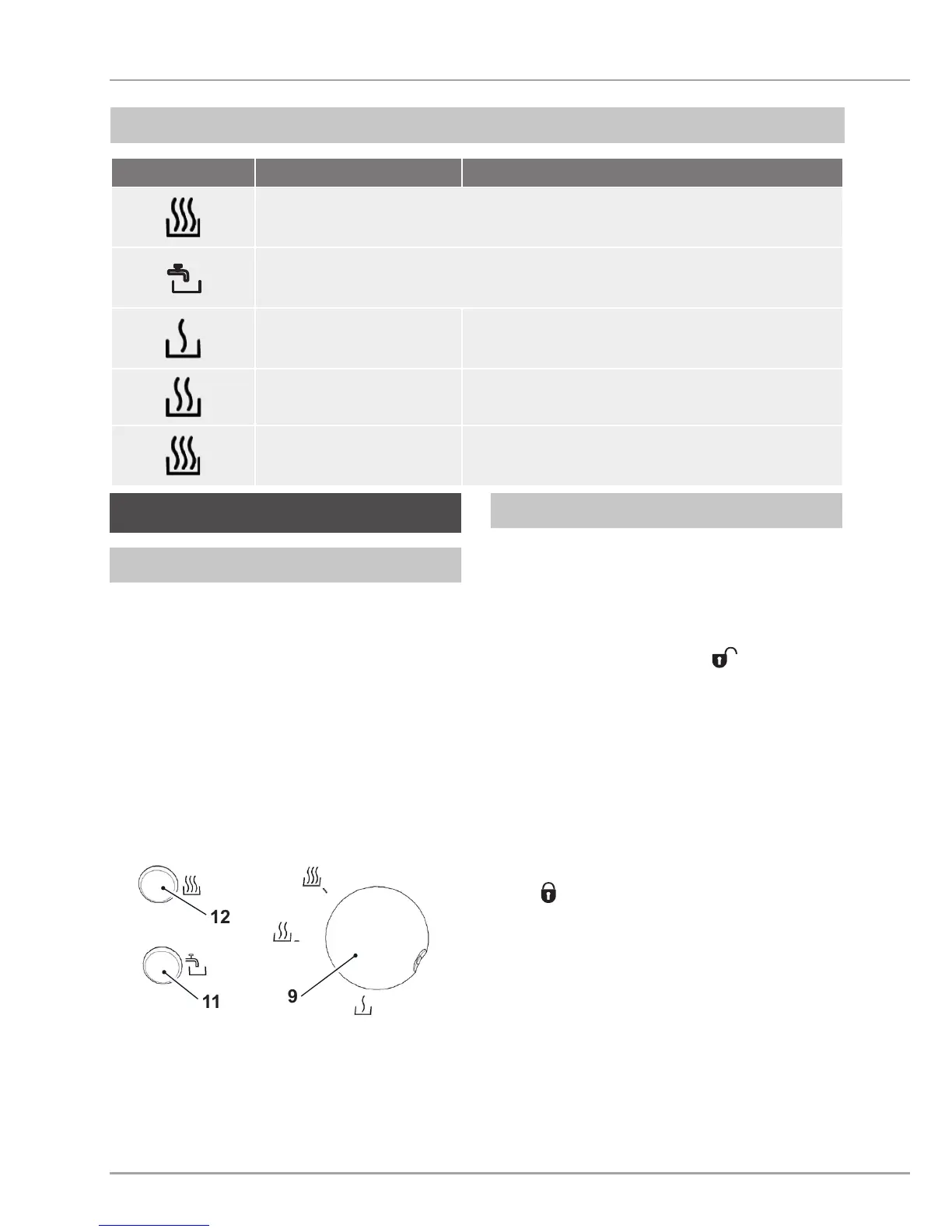
Symbol Meaning
Blue indicator lamp (12) lights up: appliance is heating
Red indicator lamp (11) lights up: rell with water, descale,
boil-dry protection is active
Warm water Water temperature: approx. 55 °C – 65 °C
Hot water
intermittent boiling
Water temperature: approx. 85 °C – 95 °C
Boiling water Water temperature: approx. 100 °C
Operation and use
Turn the rotary switch (9) anticlock-
wise until it stops and you hear a
distinct "click". The appliance is then
switched off.
Turn clockwise to switch on the ap-
pliance. This is also indicated by an
audible "click".
The settings and temperatures can be
obtained from the table in the section
Rotary switch (page 21).
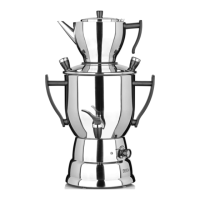
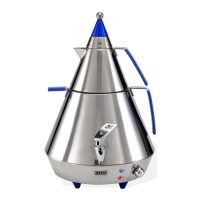
To pour water into the water tank, remove
the lid (16) of the Samowar.
For this, proceed as follows:
Take the teapot off the water tank.
Turn the lid (16) in the
direction
until it stops and lift off the lid of the
water tank (16).
Fill the water tank (7) with water. Pay
attention to the maximum level mark
(15).
Put the lid of the water tank (16) onto
the appliance. The nib mm the edge
of the lid ts into the recess on the
edge of the water tank. Turn the lid in
a
direction until it stops.
Put the teapot back onto the appli-
ance.
9
11
12


 To Next Page