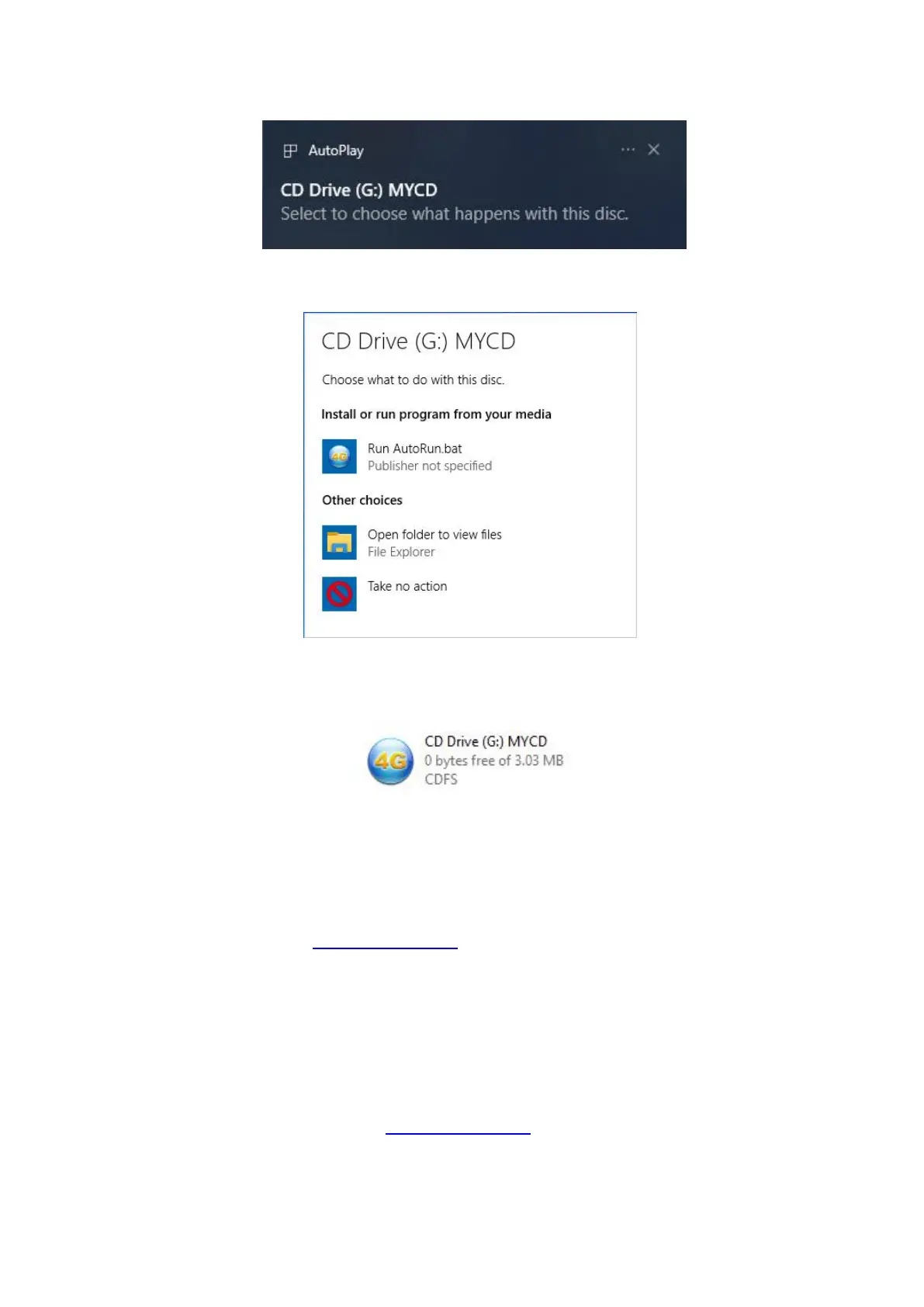
Step2
Click “Run AutoRun.bat” to run the program.
Notes
:
If there is no popup when insert the device to your PC, it may due to Autoplay function is forbidden by
your PC, you can click the CD Drive by manual in your PC to run it.
Logging into the Device Management Website
1. Make sure the device is connected to your computer or laptop.
2. Open the browser, and enter http://192.168.1.1 in the address bar.
3. You can login to check and modify configuration permission.
Setting Access Point Name Manually
If your computer or laptop cannot access the Internet, you can add a new Access Point Name (APN)
manually.
1. Launch the Internet browser and enter http://192.168.1.1 in the address bar.
2. Select Settings > Internet > Mobile Connection.
3. Click Add “New Profile”, enter the new APN information and then click “Apply”.



 To Next Page