MIN.ANGLE, MAX.ANGLE – Sets the range of angles controlled from an RC transmitter or
in Follow Mode. To reverse the control, set the higher value first and lower value second.
For example, if you want to configure a camera to go from leveled position to down
position, set 0-90 (or 90-0 to reverse movement).
LPF – Sets control signal filtering. The higher the value, the smoother the reaction to stick
commands. This filter avoids fast stick movements but adds some reaction delay to stick
movement.
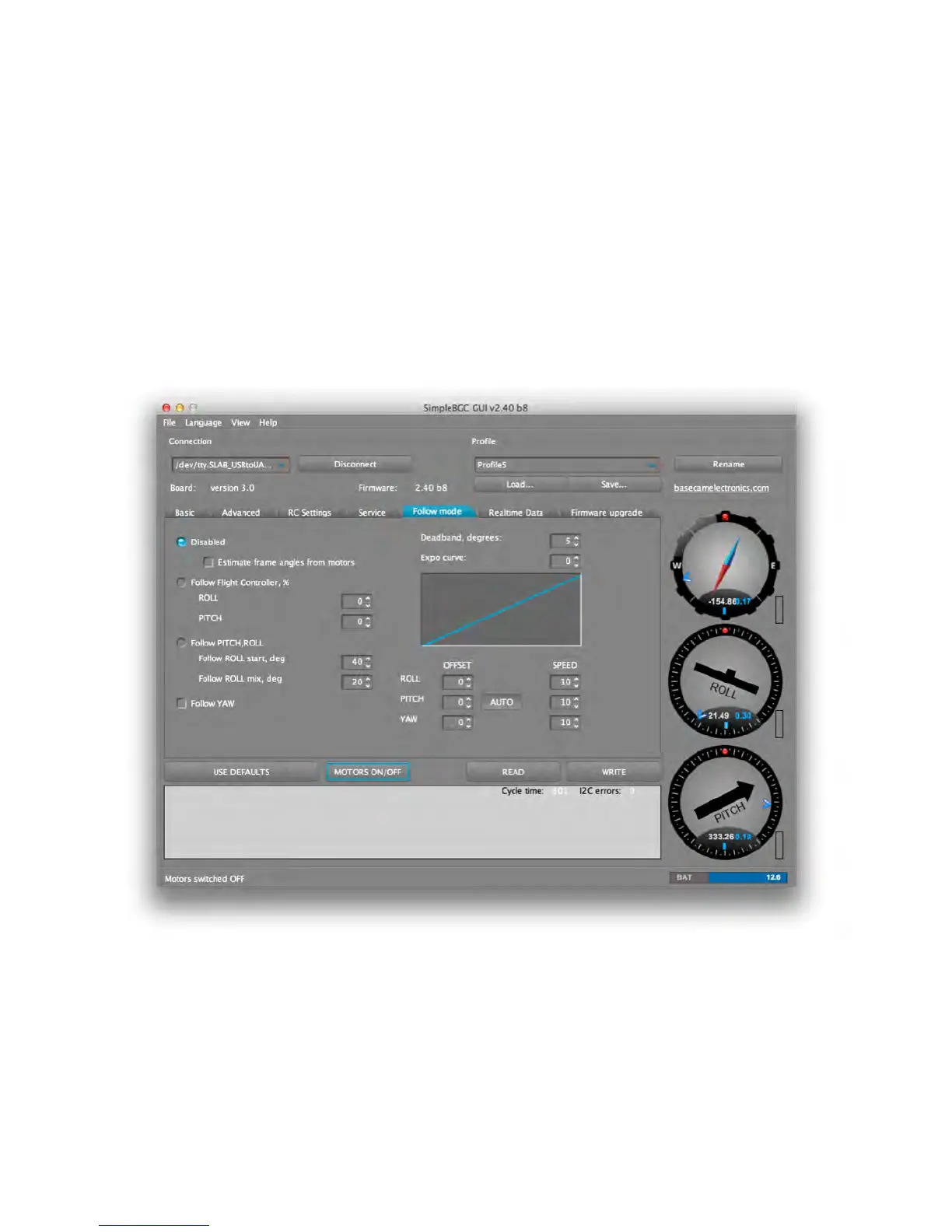
FOLLOW MODE
Follow Mode allows the camera to “follow” movements of the outer frame, while
eliminating small movements to provide a cinematic feel. Several modes of operation are
possible:
1. DISABLED (Handheld Gimbals Only) – In this mode, the camera is locked to a neutral
position on the frame and may be rotated only by the RC transmitter. The controller



 To Next Page