Gyro high sensitivity – Doubles gyro sensitivity. Use this option for large DSLR cameras if
your PID settings are close to the upper limits and stabilization still is not good.
Increasing gyro sensitivity is equivalent to multiplying P and D values by 2.
I²C Pull-ups Enable – Turns on built-in I²C pull-up resistors for SDA and SCL lines. Enable
this function only if the sensor does not appear to be working properly.
Frame IMU – Set the location of the frame IMU above or below the YAW motor. See the
Second IMU Sensor section of this manual.
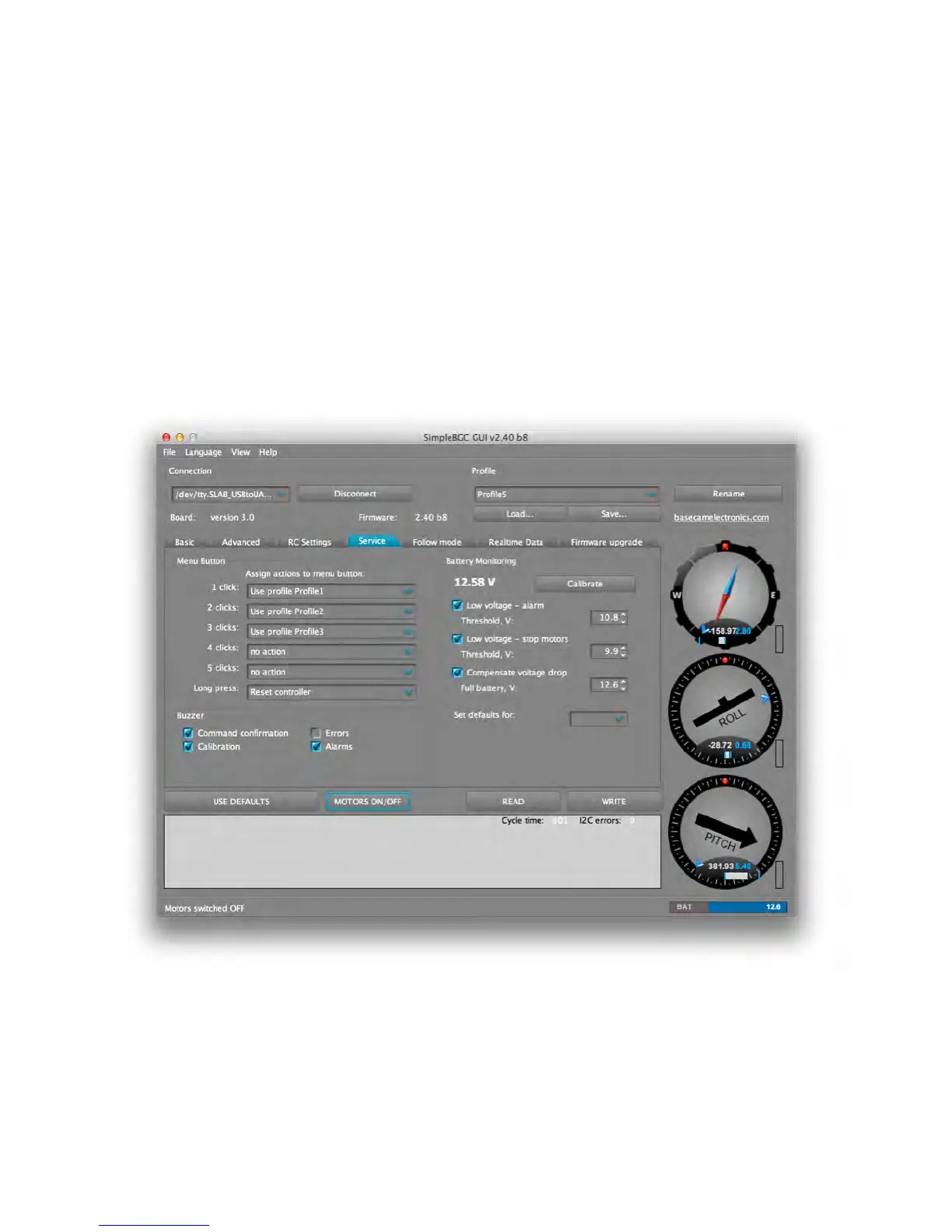
SERVICE TAB
MENU BUTTON – If you connected a menu button to the BTN connector on the controller,
you can assign different actions to it. Note that many of these button functions are the
same as options in the software.
!



 To Next Page