v. Set defaults – Select the battery type to autofill the fields with default settings for your
battery.
BUZZER – Some boards include an output to a buzzer, which is used to alert on certain
events. These events are enabled or disabled in the software. Connect an active buzzer with
an internal sound generator that operates between 5 and 12V and currents below 40mA.
REALTIME DATA
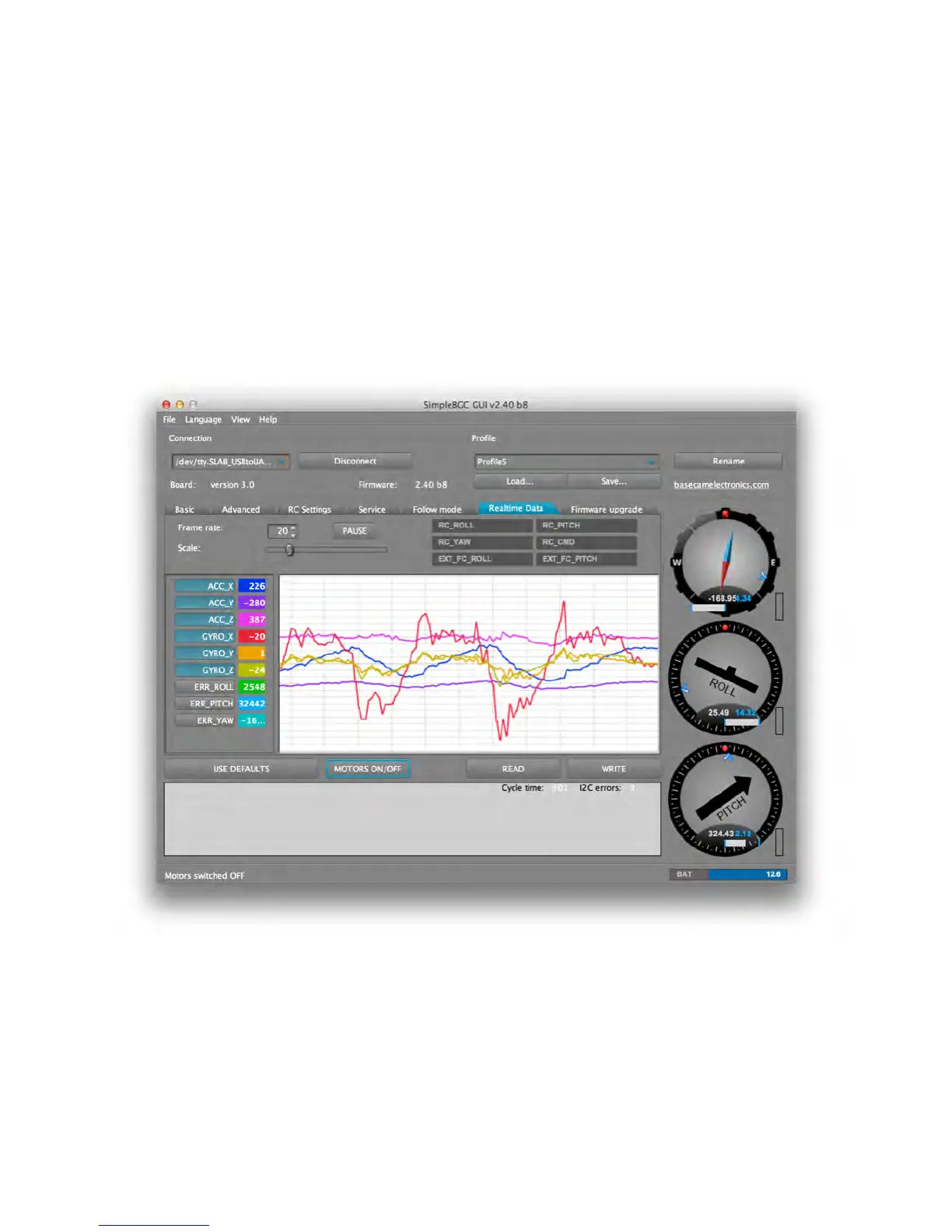
The Realtime Data tab displays the raw sensor data stream and logical RC input levels.
ACC_X,Y,Z – Accelerometer data.
GYRO_X,Y,Z – Gyroscope data. This data helps to determine the quality of the P and D
settings. Disturb the gimbal by hand to see the data trace. If the data looks like a sine
wave, the D setting is too low, and the gimbal will be susceptible to low-frequency
oscillations. If some level of noise is present without any disturbance, the D setting is too
high, and the gimbal is susceptible to high-frequency self-excitation.



 To Next Page