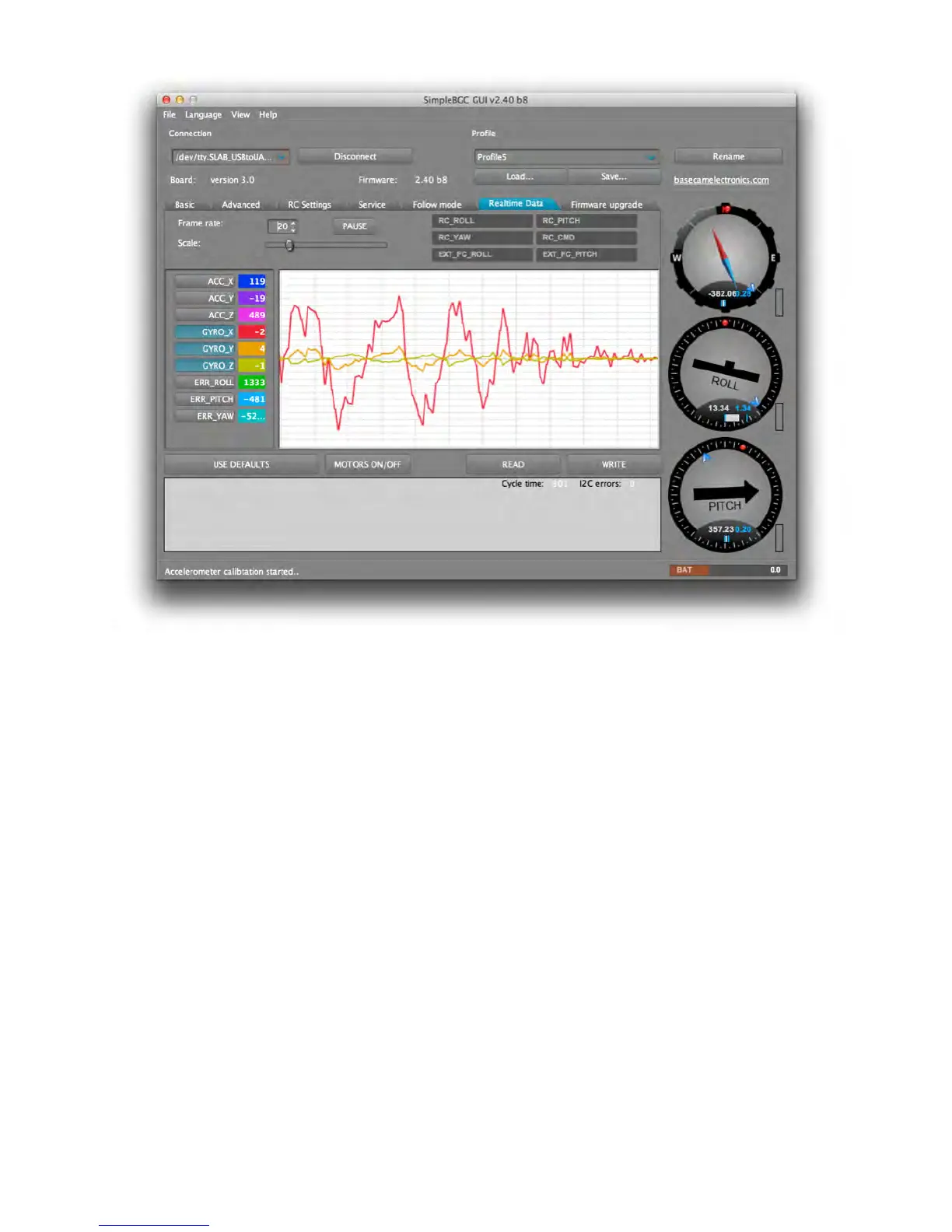
STEP #6:
CONNECT AND CONFIGURE REMOTE CONTROL (RC)
Connecting a RC system to the gimbal is optional. A configuration that includes a RC
system will allow control and aiming of the gimbal independently from the direct physical
movements of the gimbal unit.
1. Connect one of the RC receiver’s free channels to the RC_PITCH input, making certain
to preserve the correct polarity in the RC Settings tab.
2. Set SOURCE=PWM.
3. Assign RC_PITCH input to the PITCH axis.
4. Leave all other axes and CMD as “no input.”
5. For the PITCH axis, set MIN.ANGLE=-90, MAX.ANGLE=90, ANGLE MODE=checked,
LPF=5, SPEED=10 (not used in angle mode).



 To Next Page